

In the ever-evolving ecosystem of PC gaming hardware, manufacturers routinely push the envelope of technical specifications. We see graphics cards boasting frame generation technologies, monitors with refresh rates exceeding 500Hz, and gaming peripherals equipped with specifications that sound more appropriate for a military-grade guidance system than a desktop computer. Among these, the gaming mouse has seen some of the most radical engineering leaps in recent years—particularly regarding dots per inch (DPI) and polling rates.
As a hardware tester who sits comfortably in the "thoroughly average" tier of first-person shooter players—landing in the top 38% of Aimlabs users, if we are being precise—I often find myself surrounded by elite-level gear. This prompted a burning question: Do these ultra-high polling rates and astronomical DPI counts genuinely benefit the average gamer, or are they expensive marketing gimmicks designed to separate enthusiasts from their hard-earned cash?
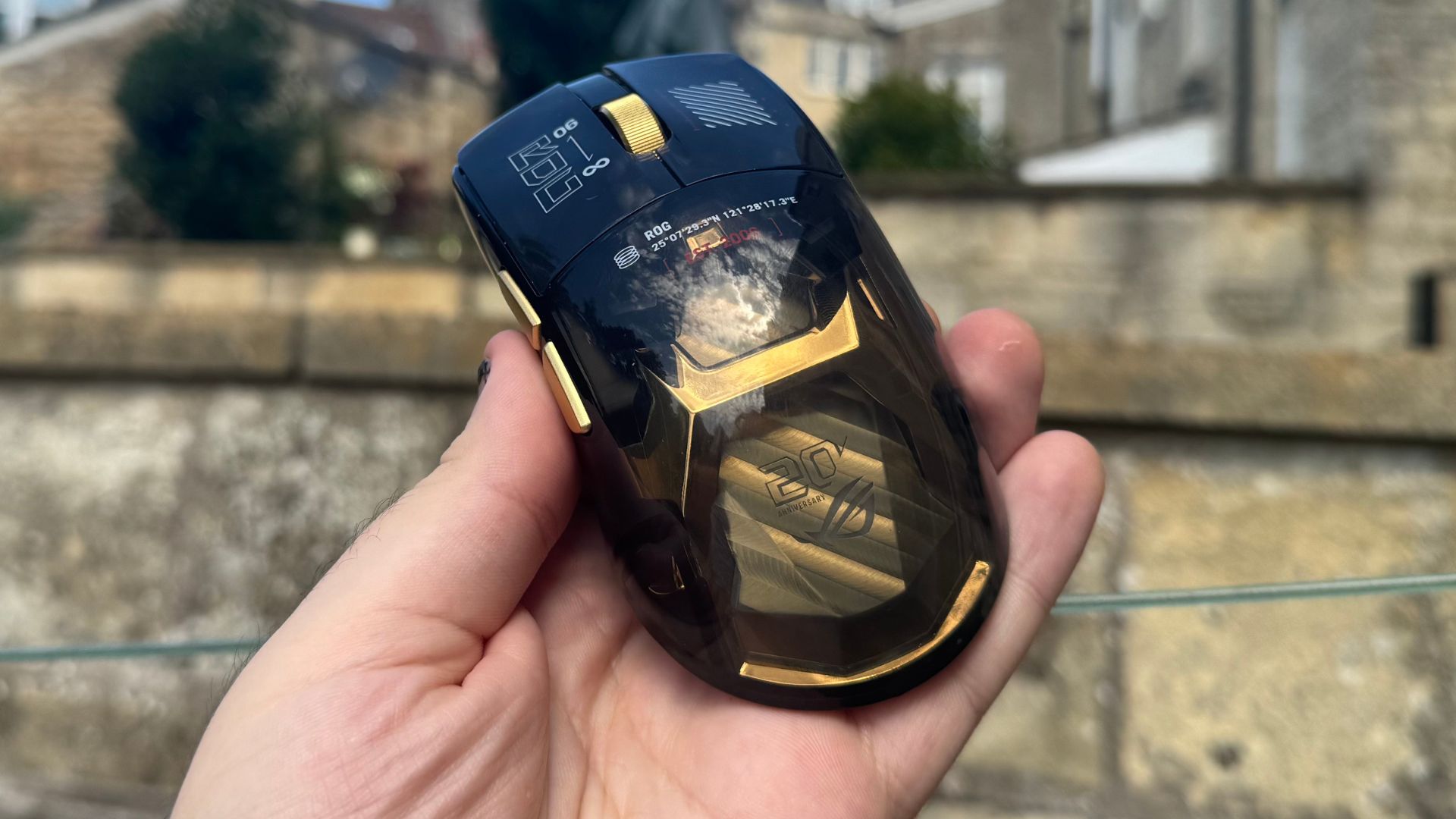
To find out, I turned myself into a human guinea pig, armed with the Asus ROG Harpe II Extreme Edition 20—a high-performance gaming mouse featuring a staggering maximum DPI of 65,000 and a native polling rate capability of up to 8,000Hz. Over dozens of rigorous trials, I set out to determine whether upgrading your mouse settings can genuinely transform a mediocre shooter into a sharpshooter.
Main Facts: The Hardware, the Software, and the Stakes
To understand the experiment, one must first break down the core variables: polling rate, DPI, and the testing environment.
- The Hardware: The Asus ROG Harpe II Extreme Edition 20 served as the primary instrument for this test. It is capable of a jaw-dropping 65,000 DPI and a maximum polling rate of 8,000Hz.
- The Software: Aimlabs, a widely utilized, free-to-play training and diagnostic software designed to evaluate shooting mechanics across various simulated firing ranges.
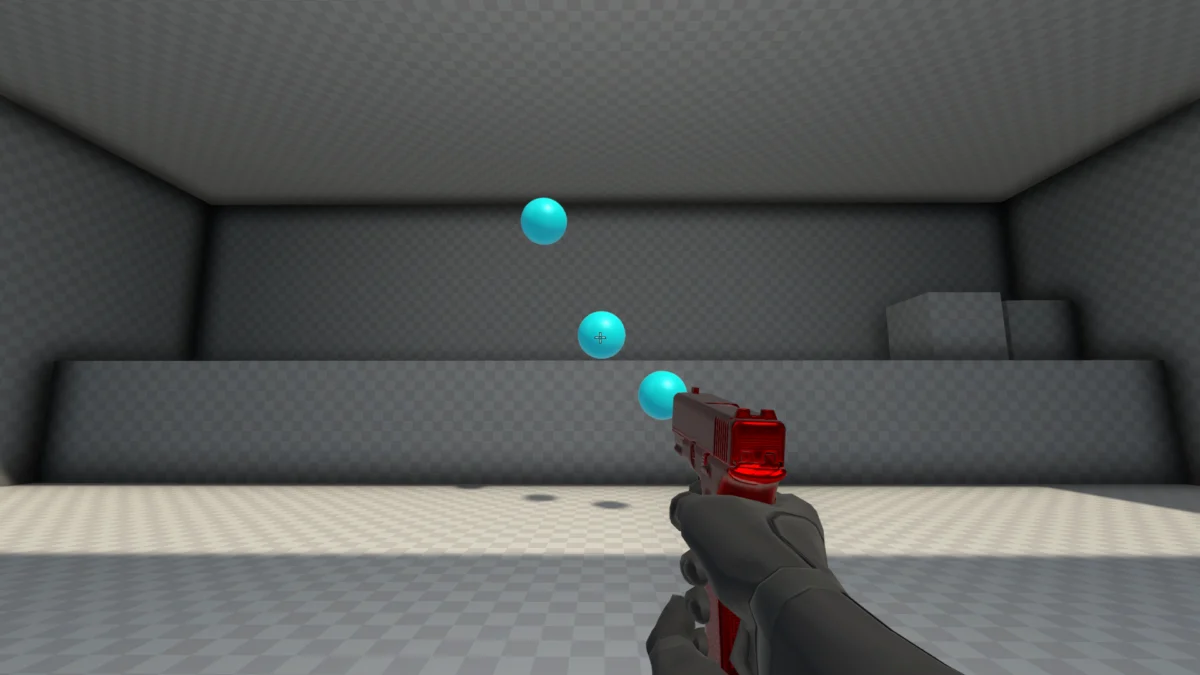
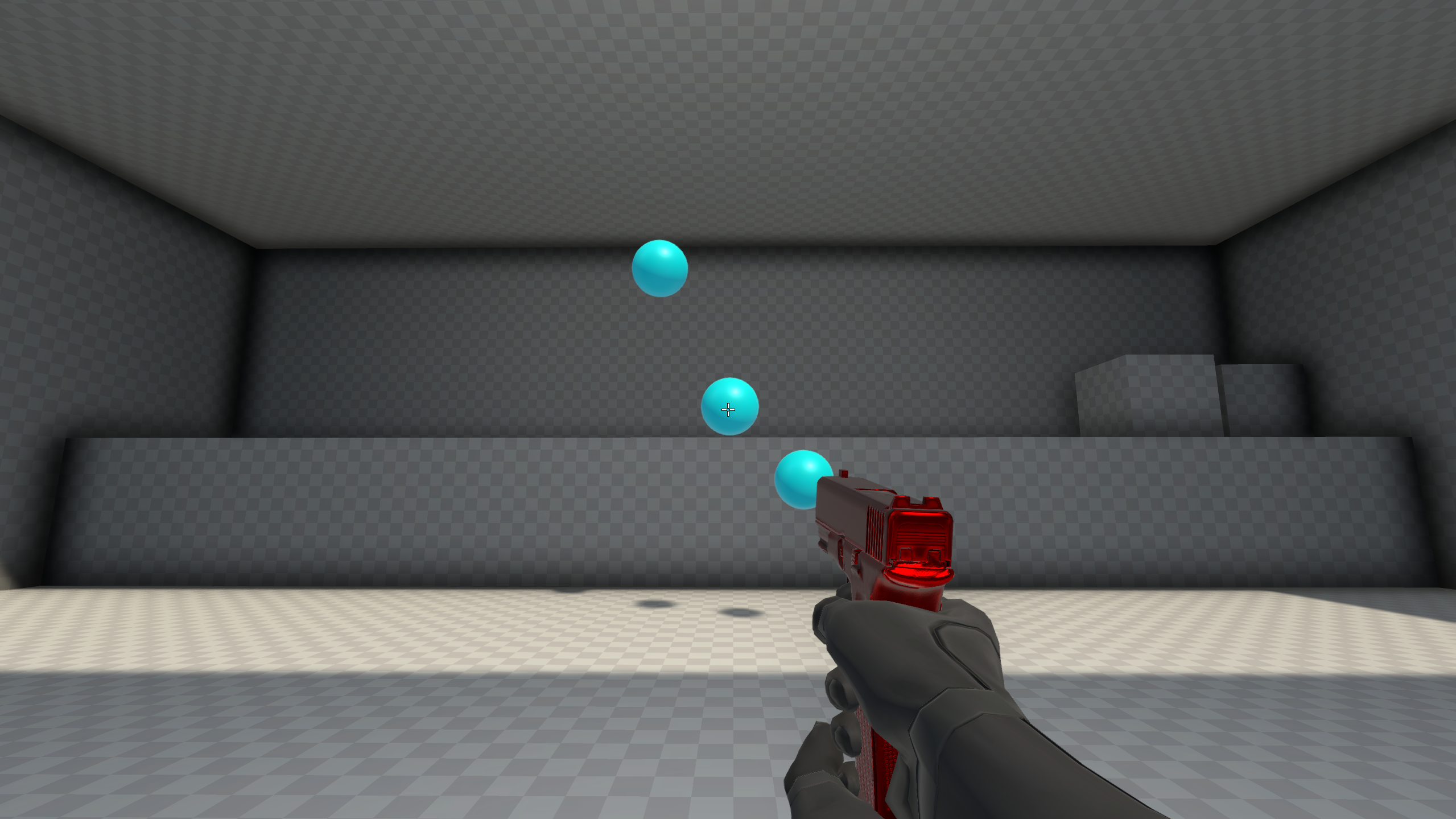
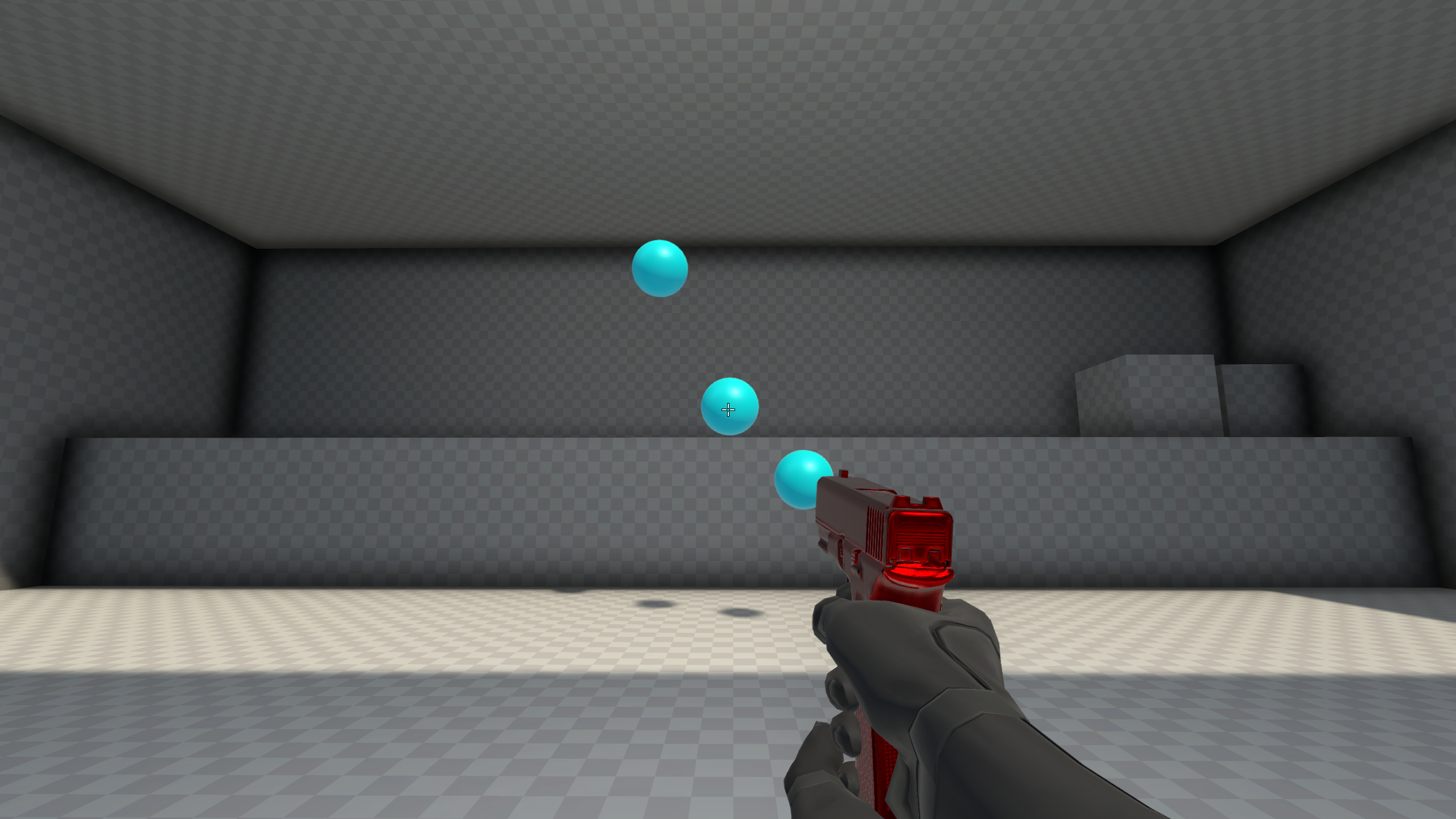
- The Core Metric: Gridshot (Ultimate), a fast-paced training scenario where blue orbs spawn across the screen. The user must click them using a pistol with unlimited ammunition, requiring quick flicks, micro-adjustments, and steady accuracy while incurring score penalties for misses.
Demystifying Mouse Polling Rates
For the uninitiated, a mouse’s polling rate (measured in Hertz, or Hz) refers to the frequency at which the peripheral communicates its position and click data to your computer system.
- A standard 125Hz polling rate sends feedback to your rig every 8 milliseconds.
- A high-end 1,000Hz polling rate updates every 1 millisecond.
- An ultra-responsive 8,000Hz polling rate transmits data every 0.125 milliseconds.
Conventional wisdom in the hardware community usually suggests sticking to 1,000Hz. At this threshold, the feedback loop is virtually imperceptible to human lag detection, yet it avoids severely draining a wireless mouse’s battery life—a common trade-off for higher polling frequencies.
Chronology of the Experiment: Putting Specs to the Test
To ensure objective data collection, a strict testing methodology was established. Across multiple DPI tiers (1,600 DPI, 4,000 DPI, 800 DPI, and a ludicrous 65,000 DPI stress test), the mouse was tested sequentially across every available polling rate (125Hz, 250Hz, 500Hz, 1,000Hz, 2,000Hz, 4,000Hz, and 8,000Hz).
For each setting, I completed between seven and fourteen warm-up runs on the Gridshot map before recording the final score for analysis.
Phase 1: The Natural Baseline (1,600 DPI)
My journey began at 1,600 DPI, the sensitivity profile that feels most natural to my everyday desktop navigation and gaming habits.
| Polling Rate | Aimlabs Score (1,600 DPI) |
|---|---|
| 125 Hz | 58,612 |
| 250 Hz | 51,065 |
| 500 Hz | 57,027 |
| 1,000 Hz | 57,232 |
| 2,000 Hz | 53,244 |
| 4,000 Hz | 52,215 |
| 8,000 Hz | 58,441 |
The initial results were erratic, fluctuating wildly across the spectrum. However, subjectively, 1,000Hz felt the most stable and comfortable. Because my aiming style relies heavily on intuitive "feel" rather than actively tracking every pixel of the cursor, 125Hz felt mechanically awkward, while anything past 2,000Hz offered diminishing returns where I could no longer perceive a tangible improvement.
Phase 2: The High-Sensitivity Stress Test (4,000 DPI)
Next, I scaled the sensitivity up to 4,000 DPI. At this elevated level, the polling rate discrepancy became glaringly obvious.
| Polling Rate | Aimlabs Score (4,000 DPI) |
|---|---|
| 125 Hz | 37,885 |
| 250 Hz | 41,183 |
| 500 Hz | 43,689 |
| 1,000 Hz | 48,341 |
| 2,000 Hz | 46,242 |
| 4,000 Hz | 50,053 |
| 8,000 Hz | 49,952 |
At 4,000 DPI paired with a sluggish 125Hz polling rate, the cursor felt disjointed and unpredictable due to the sheer velocity of the mouse movements outpacing the sensor’s reporting frequency. Conversely, dialing it up to 4,000Hz and 8,000Hz brought back stability, allowing me to confidently track the cursor’s position. My peak performance here sat firmly at 4,000Hz, though 1,000Hz lagged closely behind.
Phase 3: Embracing Pro Standards (800 DPI)
Recognizing that many professional esports competitors favor lower sensitivities—typically ranging between 600 and 800 DPI to maximize precision—I decided to test the lower end of the spectrum. The results were illuminating.
| Polling Rate | Aimlabs Score (800 DPI) |
|---|---|
| 125 Hz | 57,874 |
| 250 Hz | 58,879 |
| 500 Hz | 59,866 |
| 1,000 Hz | 60,256 |
| 2,000 Hz | 55,041 |
| 4,000 Hz | 58,700 |
| 8,000 Hz | 56,170 |
Operating at 800 DPI yielded my highest overall scores across the entire experiment, with the absolute peak achieved at a standard 1,000Hz polling rate (scoring 60,256).
Phase 4: The Absurdity of 65,000 DPI
Out of sheer scientific curiosity—and perhaps a touch of masochism—I cranked the mouse up to its absolute ceiling of 65,000 DPI. The experience was catastrophic. Managing a score of just 10,294, every micro-movement felt uncontrollable, turning a simple target acquisition into an exercise in frustration.
Supporting Data & Technical Analysis
When analyzing the data points holistically, several patterns emerge regarding how hardware specifications interact with human motor skills:
- The Sweet Spot Exists: Across multiple DPI tests, 1,000Hz consistently offered the best balance of responsiveness, physical comfort, and predictable scoring. Pushing past 1,000Hz into 4,000Hz or 8,000Hz did not reliably scale performance upwards for an average player; in some instances, it introduced inconsistent score variances.
- Lower DPI Promotes Accuracy: Professional players who spend hours daily refining their mechanics are vindicated by the data. Dropping down to 800 DPI dramatically elevated my scoring ceiling. While lower DPI requires larger physical arm and wrist movements, it eliminates the jitter associated with twitch-heavy high-DPI settings.
- The Danger of Over-Specing: Ultra-high polling rates (8,000Hz) require substantial CPU processing overhead to handle the massive volume of interrupt requests sent by the mouse. For an average gamer running mid-tier hardware, this can occasionally introduce micro-stutters in-game, completely negating any theoretical millisecond latency advantage.
Official Industry Responses and Expert Consensus
Hardware manufacturers and competitive coaches have long debated the practical utility of ultra-polling technologies.
Industry engineers maintain that 8,000Hz polling rates successfully reduce input latency to fractions of a millisecond, a feature validated in laboratory environments using high-speed recording equipment. Peripheral makers argue that even if an average human cannot consciously perceive the difference between 1,000Hz and 8,000Hz, the cumulative reduction in system latency contributes to a smoother, more connected feel.
However, professional esports coaches and competitive players generally urge caution. While high-end gear can eliminate hardware bottlenecks, it cannot substitute for foundational mechanics, game sense, and consistent practice. As veteran Aimlabs data trends indicate, raw hardware improvements yield marginal gains compared to fundamental adjustments in software settings—such as lowering sensitivity and refining crosshair placement.
Implications for the Everyday Gamer
What does this deep dive mean for the typical PC gamer scrolling through online storefronts looking for their next mouse upgrade?
- Don’t Chase Maximum Numbers: A mouse boasting 8,000Hz polling and 65,000 DPI sounds impressive on a spec sheet, but it will not magically turn an average player into a global elite.
- Stick to Proven Baselines: A polling rate of 1,000Hz remains the golden standard for a reason. It delivers exceptional responsiveness without taxing your CPU or draining your wireless battery dry.
- Experiment with Lower Sensitivity: If you find yourself struggling with consistency in first-person shooters, consider dropping your DPI down to 800 or 1,600 and adjusting your in-game sensitivity accordingly. It may feel sluggish on your desktop at first, but your accuracy in tactical shooters will likely thank you.
Ultimately, gaming hardware is a personal journey. While elite gear provides a wonderful luxury, mastering your own input preferences—and understanding how to configure them properly—matters far more than raw technical specifications.

