

For millions of PC gamers, the Steam client is more than just a storefront; it is the central hub of their digital gaming lives. Whether you are navigating your library on a high-end desktop connected to a living room TV or optimizing your gaming sessions on the go with the Steam Deck, the user interface serves as the gateway to your collection. Recognizing this, Valve has unveiled a significant update within the latest Steam client beta, introducing features that prioritize aesthetics and personalization. The headline addition, "Big Art Mode," promises to transform the visual presentation of your library, while a suite of technical enhancements ensures that the platform runs smoother than ever.
The Evolution of the User Interface: Introducing Big Art Mode
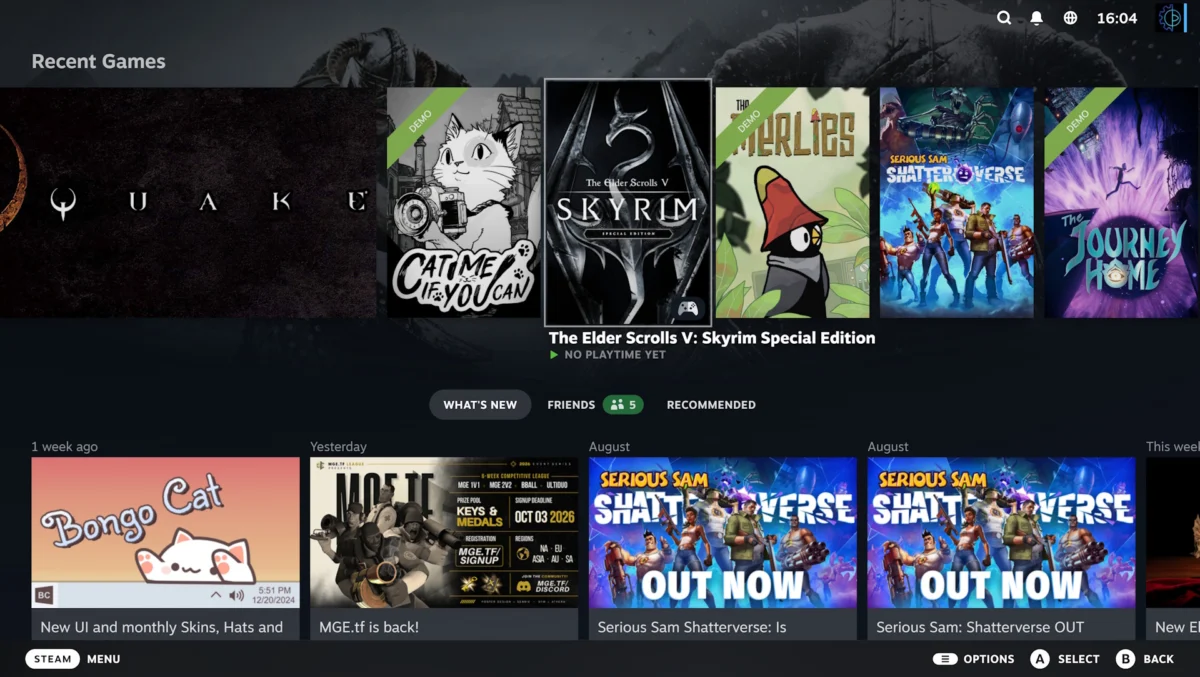
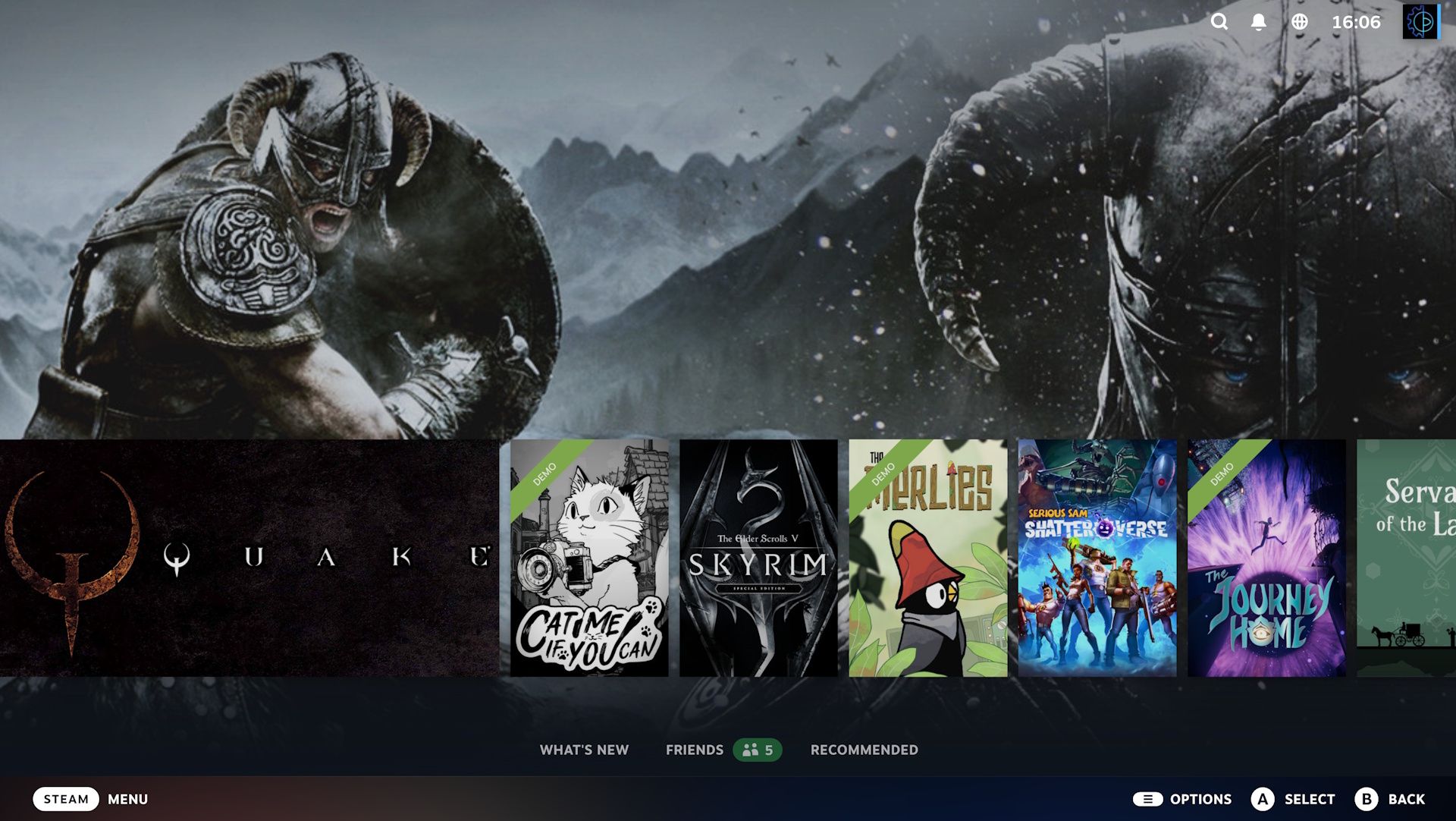
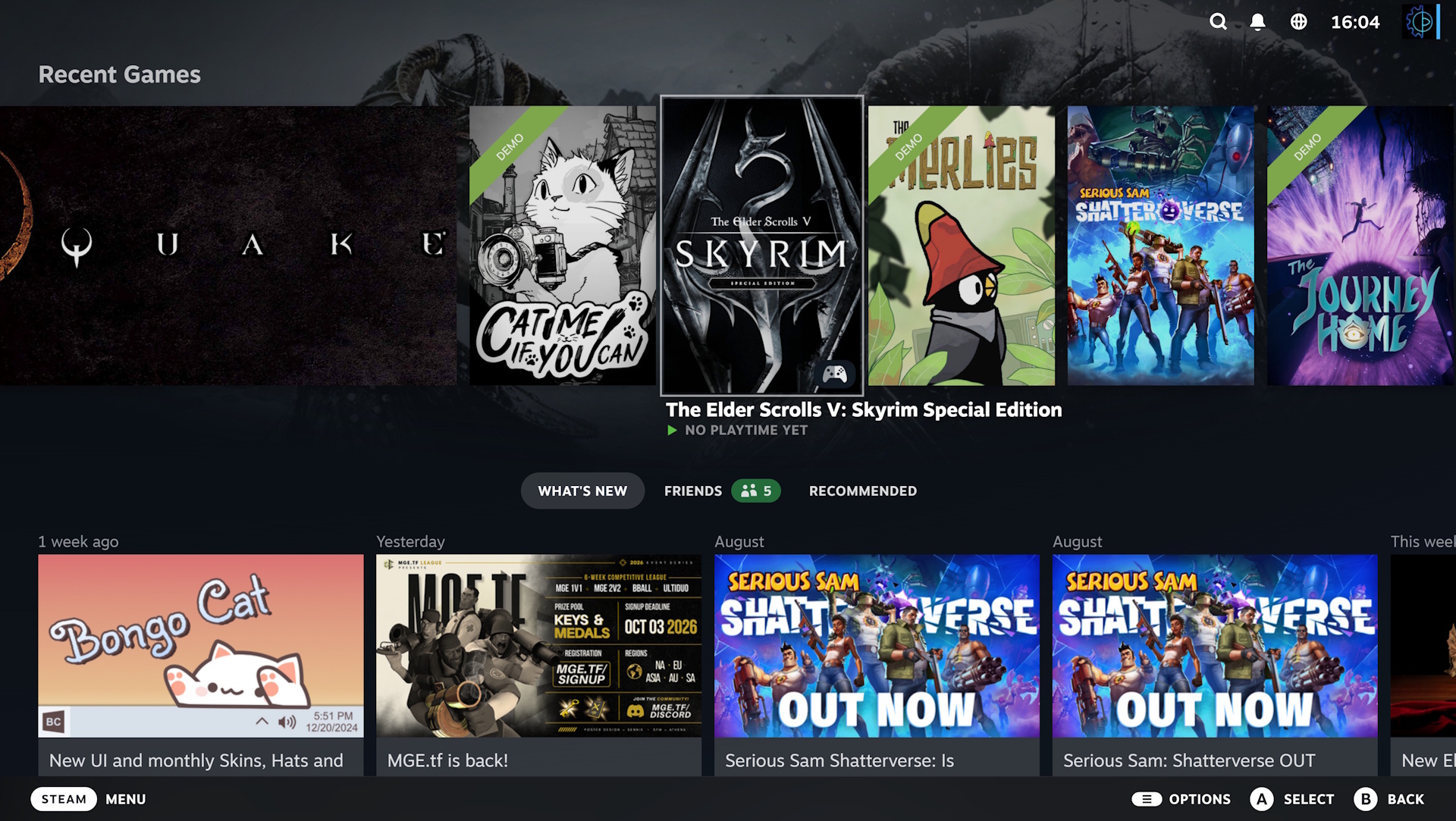
The centerpiece of this update is undoubtedly "Big Art Mode." For years, Steam’s interface has favored a functional, list-heavy, or carousel-centric design. While efficient, it often felt utilitarian. Big Art Mode shifts the philosophy toward a more immersive, cinematic experience.
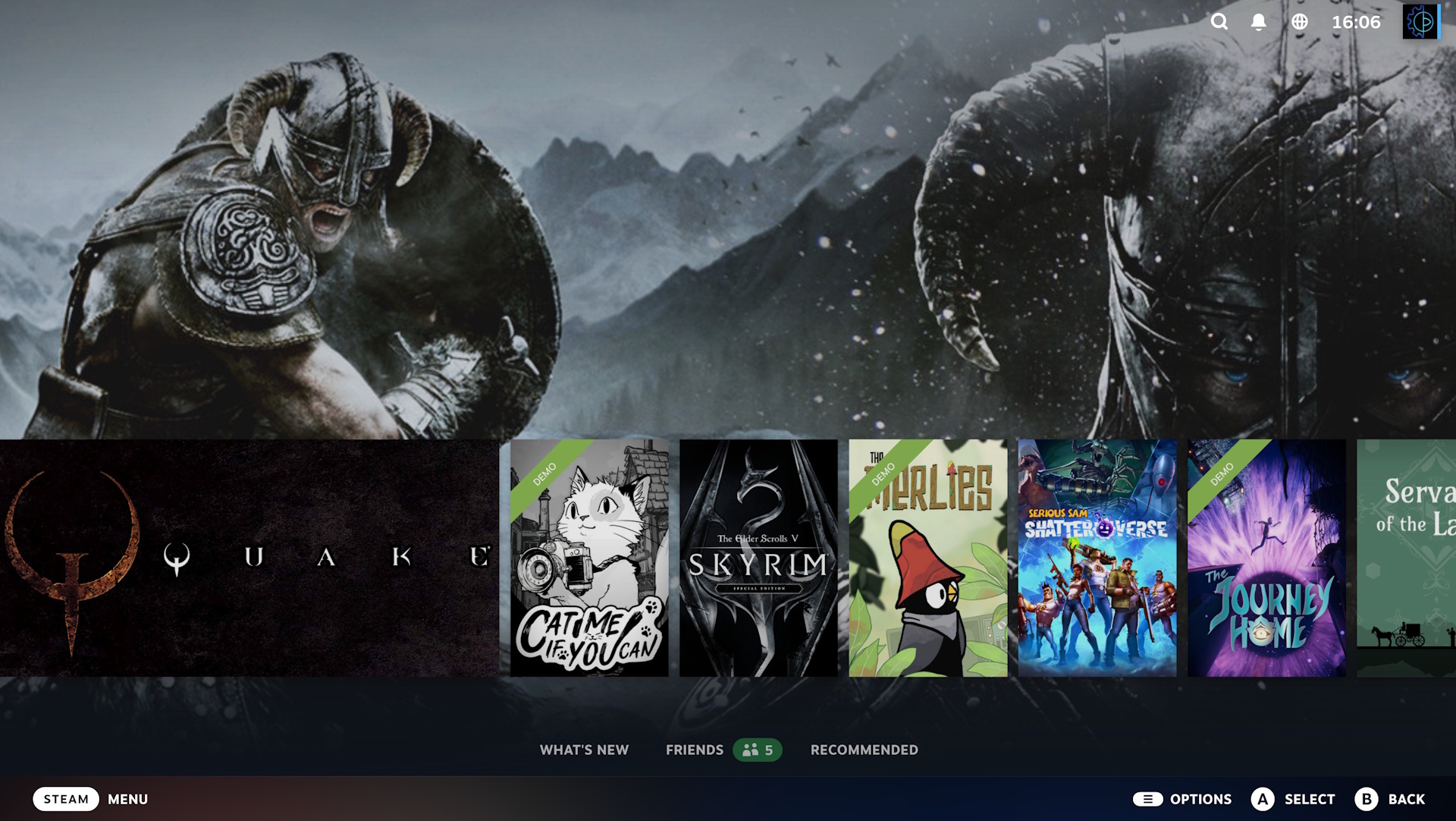
When enabled, the traditional, cluttered carousel of recently played games is pushed toward the bottom of the screen. In its place, the background of the home screen is transformed into a high-resolution, dynamic canvas that displays expansive artwork from the currently selected game. This creates a "hero" visual that highlights the aesthetic identity of your favorite titles.
This design choice mimics the polished, console-like experiences seen on platforms like the PlayStation 5 or Xbox Series X, where the background changes to reflect the selected software. For users who value "digital shelf appeal," this is a significant upgrade. It turns the Steam home screen into a gallery, allowing players to appreciate the key art, concept designs, and atmospheric imagery that developers pour thousands of hours into creating.
However, as with any automated system, there are edge cases. Some games—particularly older titles or those with non-standard vertical layouts—do not always scale perfectly to this new format. As Valve continues to iterate on this feature, it is likely that the community will see improved support for a wider array of legacy titles, but for now, it represents a bold step toward a more premium-feeling interface.
Aesthetic Customization: The New Screensaver Suite
Beyond the home screen, Valve is leaning into the nostalgic and the functional with a brand-new screensaver feature. In an era where digital devices often go to sleep with a generic black screen, Steam’s new offering adds a layer of personality to your idle hardware.
Users can now choose from several distinct screensaver modes:
- Dynamic Art Slideshow: This pulls from the artwork of your recently played games. It is a seamless way to showcase your gaming habits while your system is idle.
- Integrated Screenshots: For those who take pride in their digital photography within games, the screensaver can be configured to cycle through your personal Steam library screenshots, turning your idle screen into a personalized digital photo frame.
- The "DVD Bounce" Tribute: Perhaps the most charming inclusion is a retro-inspired screensaver featuring the Steam logo. It mimics the iconic, slow-moving bouncing DVD logo that captivated a generation. It is a subtle, humorous nod to the early 2000s home entertainment aesthetic.
For the power users, Valve has also included hooks for custom screensavers. This opens the door for the modding community to develop their own animated backgrounds or dynamic visualizers, ensuring that the feature will remain fresh and customizable long after the initial rollout.
Technical Foundations: Performance and Stability
While the visual changes grab the headlines, the backbone of this beta update is firmly rooted in performance optimization. Valve has focused on several key areas that impact the "feel" of the client, even if they aren’t immediately visible to the eye.
Startup and Resource Management
The Steam client has historically been criticized for its resource consumption upon startup. The latest patch introduces refined initialization protocols, resulting in a snappier, more responsive startup process. For users on lower-end hardware or those who prefer to keep their boot times minimal, these gains—while incremental—contribute to a more polished overall software experience.
Direct3D 12 and Game Recording
The integration of game recording tools has become a standard expectation for modern gaming platforms. However, these tools often come at the cost of system performance. In this update, Valve has specifically targeted the performance overhead of game recording for titles running on Direct3D 12. By optimizing how the recording buffer interacts with the GPU, Windows users should see a noticeable reduction in frame-time stuttering while recording gameplay.
Linux and Steam Deck Synergy
Given the massive success of the Steam Deck, it is no surprise that Linux support remains a priority. This update includes a suite of backend refinements for the Linux kernel and the Proton compatibility layer. These updates ensure that the transition between desktop and handheld modes remains fluid and that the latest hardware optimizations are fully utilized.
Chronology of the Update
- Initial Discovery: Data miners and early beta testers identified signs of a "Big Art" overhaul in late-stage code commits earlier this month.
- Beta Deployment: Valve officially pushed the update to the Steam Client Beta channel, allowing opt-in users to stress-test the new UI and performance fixes.
- Community Feedback Loop: Within 24 hours of the launch, forums and social media platforms saw a surge in user-submitted screenshots comparing the old and new UIs, with the majority of feedback leaning toward the "cleaner, sexier" aesthetic.
- Ongoing Iteration: As of the current writing, Valve is actively monitoring crash reports and visual feedback, suggesting that a stable, public release will follow shortly after these bugs are squashed.
Implications for the Ecosystem
The move toward "Big Art Mode" and advanced screensavers is more than a simple coat of paint. It signals Valve’s ongoing commitment to competing directly with console manufacturers by providing a "console-like" experience on the PC. By prioritizing a visual-first interface, Valve is acknowledging that the Steam client is the primary interface for many living-room PC setups.
Furthermore, by reducing the performance footprint of recording software and startup times, Valve is subtly nudging users toward using Steam’s built-in features rather than third-party alternatives. The more "all-in-one" the Steam experience becomes, the more difficult it is for users to justify switching to competing storefronts that may lack these deep, platform-level integrations.
How to Access the Beta
For those eager to test these features before the general public, the process is straightforward:
- Open the Steam menu and select Settings.
- Navigate to the Interface tab.
- Look for the Client Beta Participation dropdown menu.
- Select Steam Beta Update.
- Restart your client, and allow it to download the necessary files.
As with any beta software, there is an inherent risk of instability. While Valve is widely regarded as one of the most reliable developers when it comes to maintaining their beta branches, users should be prepared for potential minor bugs or visual glitches.
Conclusion
Valve’s latest update is a testament to the company’s philosophy of continuous improvement. By balancing aesthetic upgrades with substantive performance optimizations, they have ensured that the Steam experience remains the gold standard for PC gaming. Big Art Mode isn’t just about making things look pretty; it’s about making the act of choosing a game an experience in itself. Whether you are a fan of the new screensavers or simply appreciate the behind-the-scenes performance boosts, this update is a welcome reminder that even the most established platforms can still evolve and improve.

