

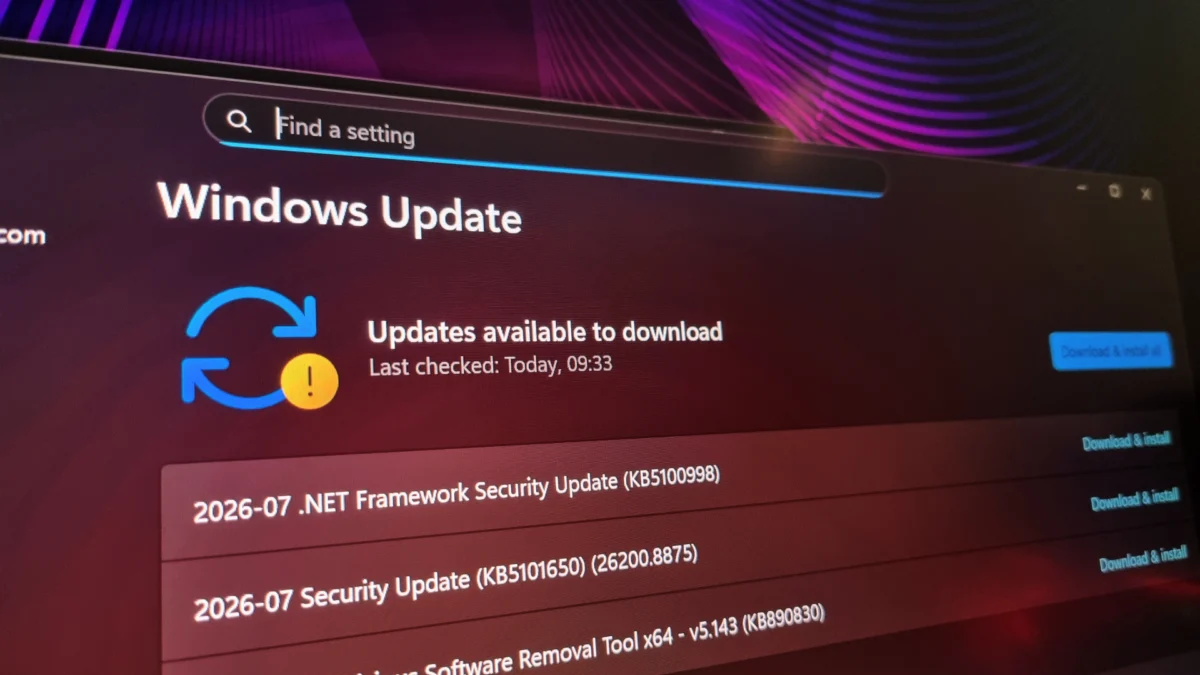
In the evolving landscape of operating systems, Microsoft has long championed the integration of Artificial Intelligence to streamline maintenance and bolster security. However, the latest cumulative update for Windows 11, identified as KB5101650, has become a lightning rod for criticism, sparking reports of significant hardware instability among enthusiasts and power users. While Microsoft touted this release as a milestone in AI-assisted vulnerability patching—addressing a record-breaking 570 security flaws—the reality on the ground for many users has been a jarring series of display artifacts, screen flickering, and severe refresh rate limitations.
The situation underscores an uncomfortable tension in modern software engineering: as companies leverage AI to accelerate the identification of system vulnerabilities, they may be inadvertently widening the scope of regression errors that affect everyday hardware performance.
The Chronology of the KB5101650 Deployment
The problems began almost immediately following the deployment of the KB5101650 update. For many users, the transition from a stable system to a malfunctioning one was instantaneous.
- The Rollout: Microsoft pushed KB5101650 as part of its aggressive security posture, utilizing AI-driven analysis to identify and patch a massive volume of security vulnerabilities—four times the amount seen in the same period last year.
- The Onset of Issues: Reports began appearing on community forums and social media platforms within 24 hours of the update’s release. Users noted that their systems, which had been operating at high performance, suddenly struggled with display output.
- Initial Troubleshooting: Early reports suggested that users were attempting to resolve these issues by rolling back drivers, adjusting refresh rates, and checking cable integrity. However, the consistency of the symptoms—specifically tied to high-refresh-rate monitors—pointed toward a deeper conflict within the Windows kernel or the display driver interface.
- Current State: As of now, the issue remains unpatched. Affected users are forced to manually throttle their hardware performance—effectively "underclocking" their monitors—to maintain a stable image, a frustrating compromise for users who invested in high-end display technology.
Technical Implications: When AI Meets Hardware Stability
The core of the issue appears to be an incompatibility with high-refresh-rate displays. One user reported that a monitor capable of 400Hz output was rendered unstable, suffering from repeated blackouts and signal drops. Lowering the refresh rate to 360Hz provided only marginal improvements, with full system stability only being achieved at a significantly reduced 240Hz.
This phenomenon is not isolated to one manufacturer. While the issue is particularly prevalent among users running AMD-based GPUs, the common denominator seems to be the Windows 11 display management layer following the KB5101650 update.
The "Volume of Patches" Problem
The irony of the current situation is that the very innovation Microsoft is promoting—using AI to find and patch more bugs—may be the primary catalyst for these stability issues. By attempting to force through 570 distinct security patches in a single update, the margin for error increases exponentially.
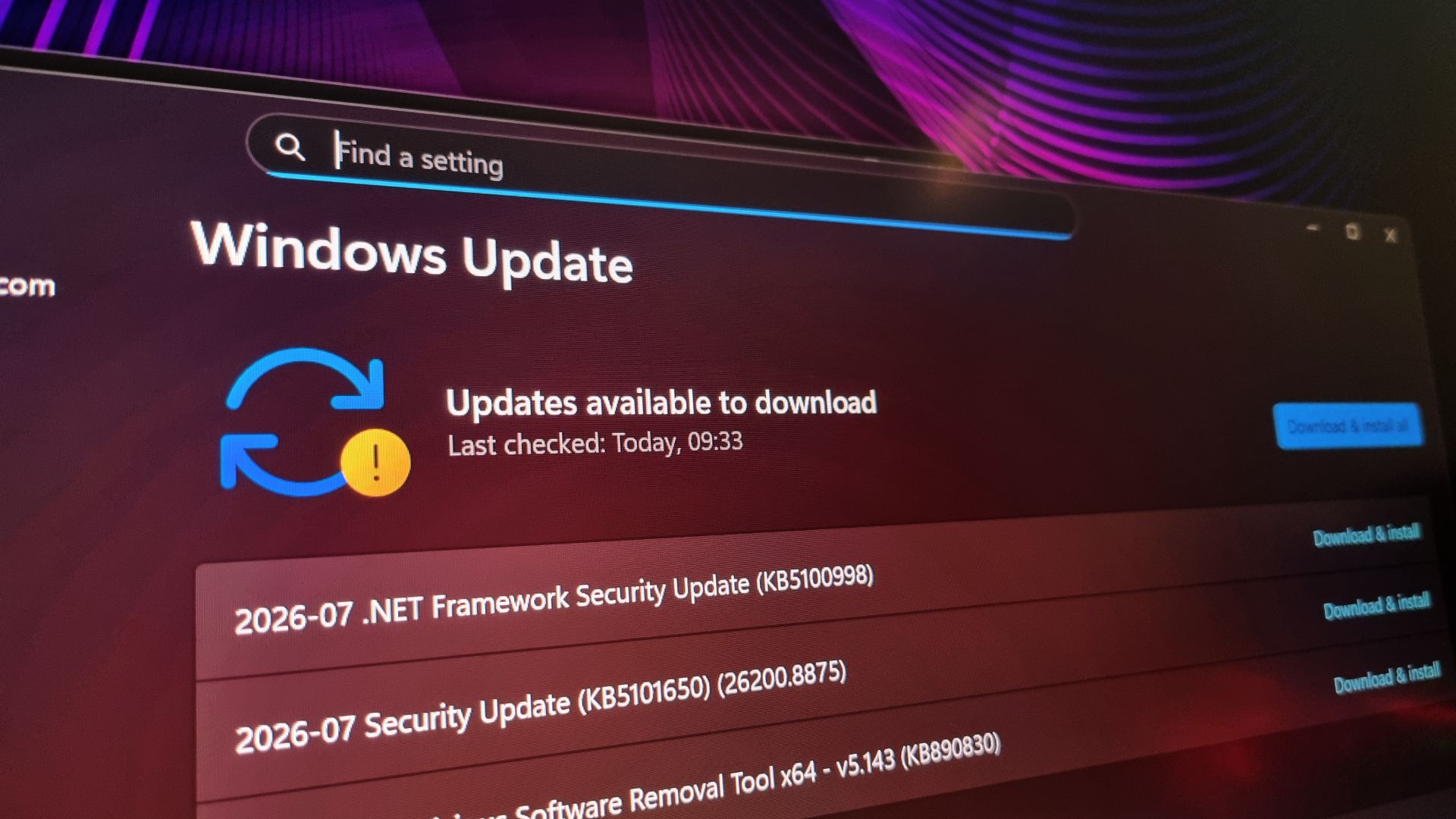
When software teams rely on AI to identify vulnerabilities, the focus is often on security coverage rather than long-term hardware compatibility testing. The result is a "patch-heavy" environment where the sheer volume of code changes makes it difficult for quality assurance teams to isolate specific regressions before they reach the consumer.
Supporting Data: Community Reports and Hardware Conflicts
The anecdotal evidence is rapidly being supplemented by data-driven community reports. On platforms such as Reddit, threads dedicated to "Windows Update display issues" have seen a surge in activity.
A recurring theme is the correlation between the update and GPU-specific errors. While some users are quick to blame AMD driver versions, the fact that these issues surfaced immediately after the KB5101650 update—and in some cases, without a corresponding driver update—suggests that the Windows OS itself is failing to handle the handshake process between the GPU and the display at high frequencies.
Dell Compatibility Issues
Further evidence of the update’s instability can be found in Microsoft’s own release health documentation. The company has officially paused the rollout of specific updates for certain Dell PC configurations. According to Microsoft, these machines experienced "changes in performance, power consumption, or system behavior." This admission validates the concerns of the broader user base: the update is objectively unstable across a range of hardware profiles, not just limited to display issues.
Official Responses and Corporate Strategy
Microsoft’s stance on the issue has been, thus far, characteristically reserved. The company has acknowledged the Dell-specific performance issues, providing workarounds or temporary holds on the update for those users. However, there has been no comprehensive statement regarding the broader display-related instabilities affecting high-refresh-rate monitors.
The shift toward AI-assisted development is clearly a strategic priority for Microsoft. By using AI to identify vulnerabilities that would otherwise require hundreds of man-hours to find, Microsoft aims to stay ahead of bad actors. However, there is a growing demand from the tech community for a "stability-first" approach. Users are asking: if the cost of patching 570 vulnerabilities is the degradation of system performance, is the trade-off acceptable?
Implications: The Future of "Automated" Updates
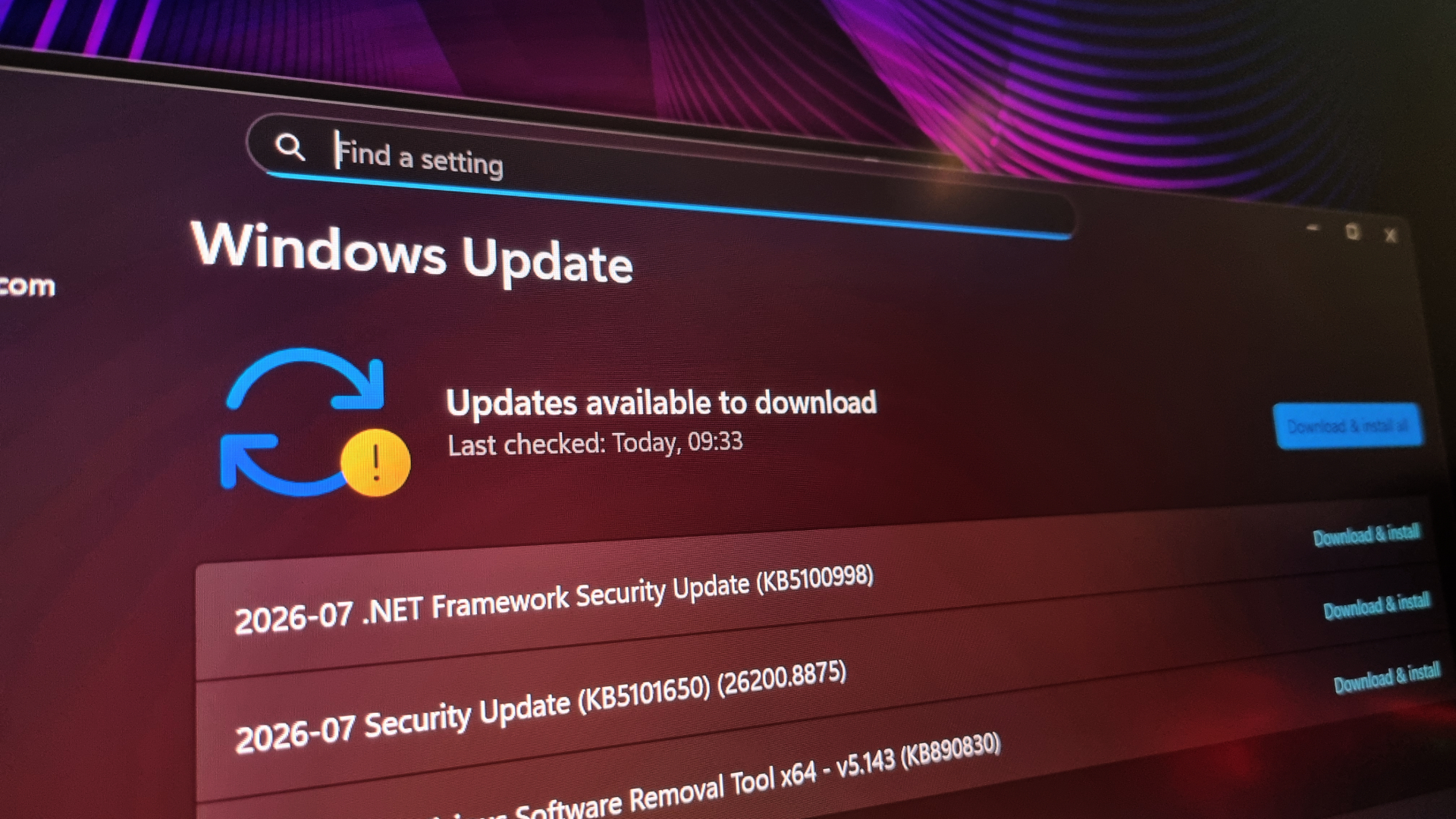
The incident surrounding KB5101650 raises profound questions about the future of OS maintenance. As AI becomes more deeply embedded in the development cycle, the industry must grapple with three primary challenges:
1. The Quality vs. Quantity Dilemma
The current strategy of "patching everything as quickly as possible" is creating a brittle software ecosystem. If an AI identifies a potential vulnerability, the pressure to patch it immediately can override the necessity for rigorous, cross-hardware compatibility testing. Moving forward, Microsoft may need to implement a tiered patch system where critical security updates are separated from deeper system-level adjustments to prevent the "house of cards" effect seen here.
2. User Agency and Control
One of the most persistent frustrations expressed by users is the lack of choice. When an update forces a user to drop their monitor from 400Hz to 240Hz to avoid black screens, the OS has essentially downgraded the hardware. Users are calling for more granular control over which updates are installed and, more importantly, an easier pathway to roll back specific, problematic patches without losing other necessary security fixes.
3. The Need for Transparency
When an update is as massive as KB5101650, the release notes often lack the granularity that power users require. Transparency regarding exactly what these AI-identified patches change in the display stack could help users troubleshoot issues faster, potentially saving them hours of diagnostic time.
Conclusion: A Lesson in Measured Deployment
The KB5101650 update is a stark reminder that while technology advances, the foundational requirements of a stable operating system remain unchanged: reliability, compatibility, and predictability. The use of AI to enhance security is an admirable goal, but it must not come at the expense of the user experience.
For those currently affected by the display instability, the most prudent course of action remains reverting to a previous restore point or waiting for an official hotfix. As Microsoft continues to refine its AI-driven development pipeline, the company would do well to remember that for the end user, a "secure" PC is only useful if it is also a functioning one. The goal for future updates must be to balance the speed of AI-assisted security with the rigorous, human-centered testing that ensures the hardware—and the people using it—remain in control.

