

Main Facts: Striking the Balance Between Fidelity and Framerates
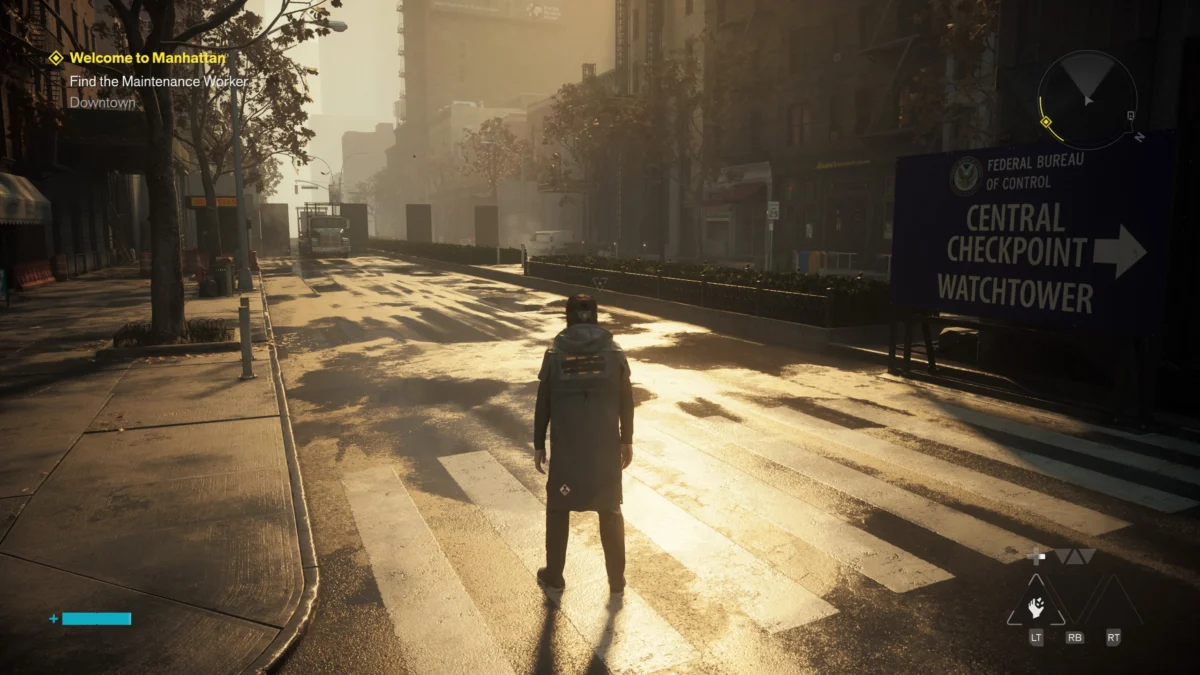
Remedy Entertainment has long been revered for pushing the boundaries of real-time computer graphics, blending atmospheric storytelling with bleeding-edge visual technologies. With the launch of Control Resonant, the Finnish developer returns to the uncanny world of the Federal Bureau of Control, expanding the supernatural narrative to the sweeping streets of Manhattan. However, alongside the mind-bending narrative and reactive physics comes a brutal truth familiar to modern PC gamers: pushing a game’s technical limits requires serious hardware horsepower.
Testing Control Resonant on a robust mid-to-high-end rig equipped with an NVIDIA GeForce RTX 5070 Ti, an AMD Ryzen 7 7700X processor, and 32GB of DDR5 RAM yields a reassuring conclusion. Players do not need to stress their systems with absolute maximum settings to experience the game’s distinct visual flair. While the top-tier "Ultra" preset—complete with full path tracing—serves as a punishing workout for even modern graphics cards, dialing back a few selective options preserves gorgeous aesthetic fidelity while securing a buttery-smooth gameplay experience.
At a 1440p resolution, Control Resonant runs exceptionally well across a wide range of configurations. Gamers can comfortably bypass maximum-tier configurations, saving precious frames per second (fps) without sacrificing the grim, atmospheric beauty of Remedy’s latest supernatural thriller.
Chronology of Testing and Setup Evolution
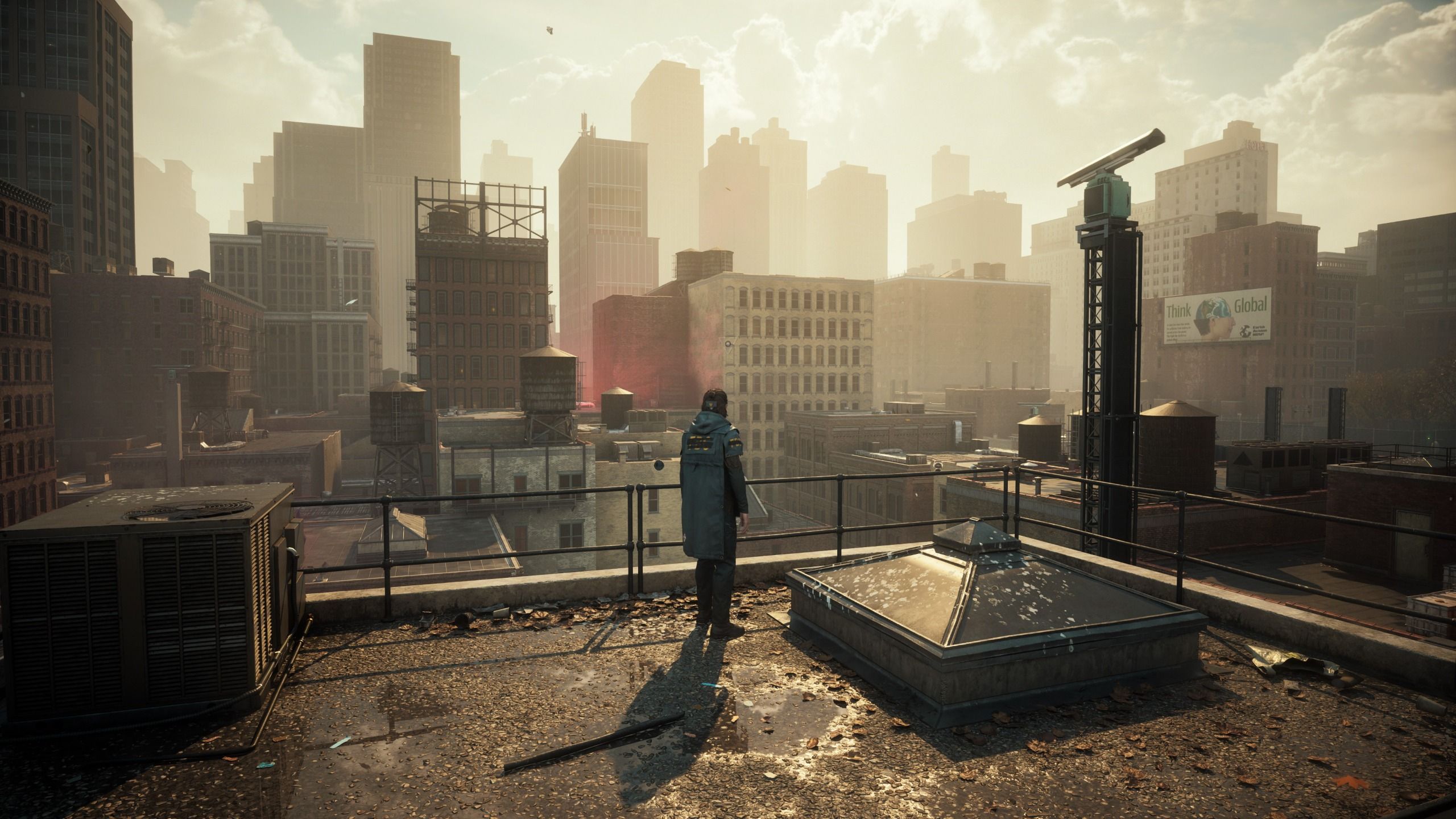
To understand how Control Resonant handles diverse graphical loads, testing was conducted over a multi-day period, utilizing a methodical trial-and-error process across different environments, combat encounters, and lighting scenarios.
Day One: Baseline Benchmarks and Initial Tweaks
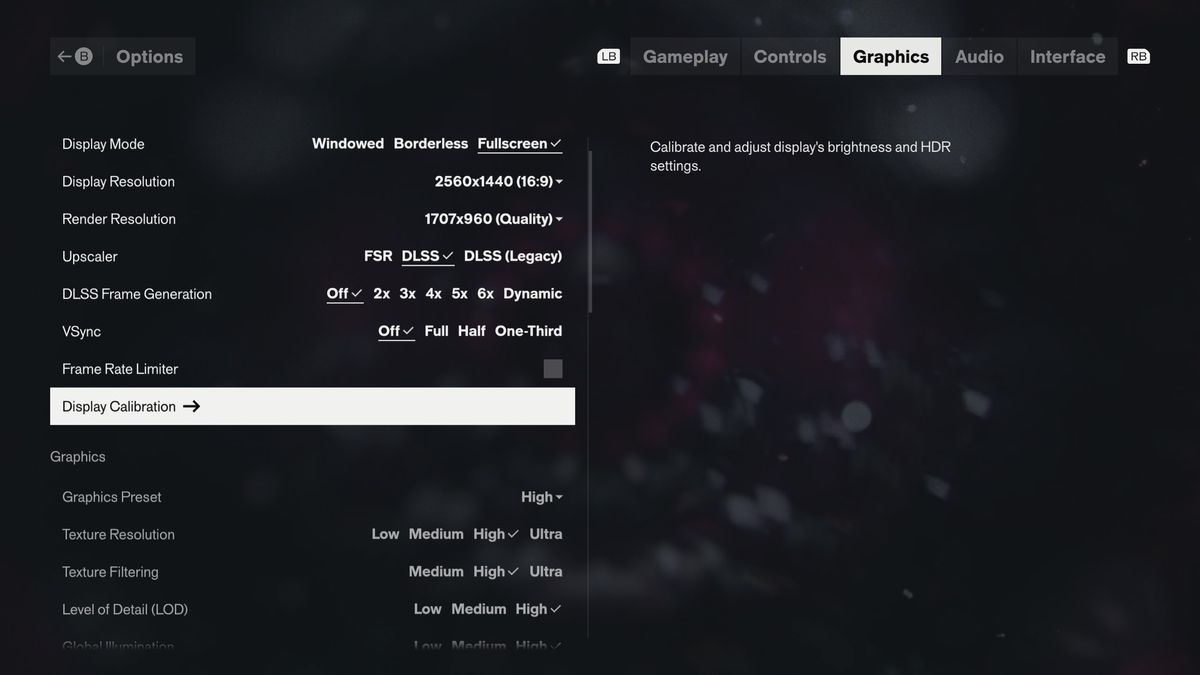
Upon booting up the game, the sheer breadth of graphical customization immediately stands out. Remedy offers independent controls for ray tracing alongside a deeply granular suite of standard graphics options. Furthermore, upscaling support is robust, offering choices between DLSS 4.5, an older CNN-based upscaler, and AMD’s FidelityFX Super Resolution (including FSR 4) for team-red users.
Initial tests were established using the "Ultra" graphics preset at 1440p, paired with DLSS set to "Quality" and Frame Generation toggled off. This phase focused entirely on isolating the performance cost of ray tracing and path tracing features, mapping out the precise frame drops experienced when moving from disabled ray tracing up to full path tracing configurations.
Day Two: Finding the Sweet Spot
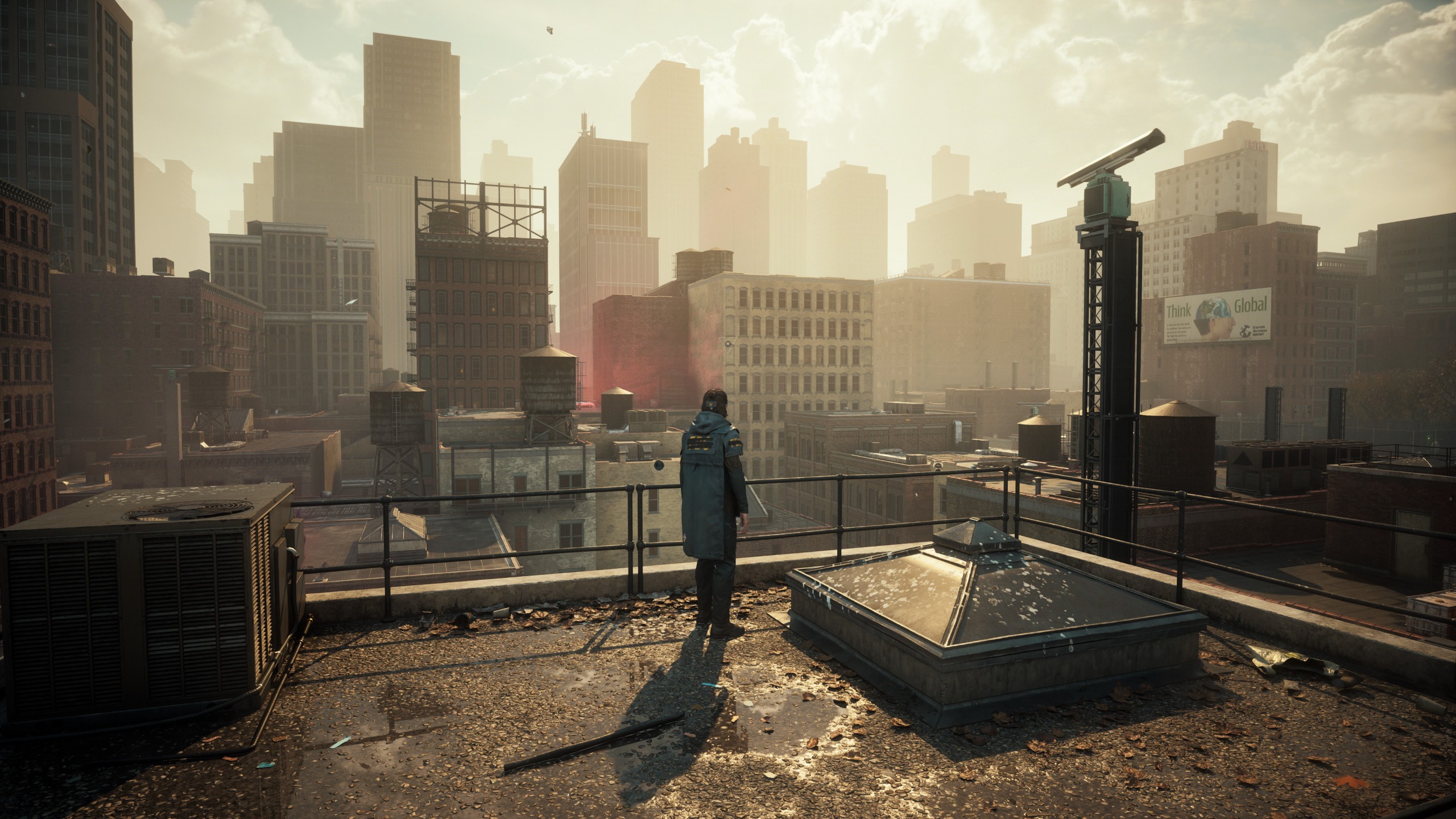
The second day of testing shifted toward practical optimization. By keeping ray tracing locked to a consistent baseline—specifically the "High" preset—adjustments were made to standard graphics options such as shadow resolution, geometry complexity, and volumetric lighting.
Through iterative gameplay testing in dense urban environments and chaotic combat zones, it became clear that the gap in visual fidelity between "Ultra" and "High" settings is negligible during active combat, whereas the frame rate reward for dropping down one tier is substantial. The evaluation concluded with low-end hardware profiling, utilizing a simulated minimum-spec baseline to confirm whether players on older cards (such as the NVIDIA GTX 1070) could still enjoy a visually coherent experience.
Supporting Data: Ray Tracing and Graphics Performance Breakdown
Understanding where your hardware spends its processing power is crucial for a smooth experience in Control Resonant. Below is a detailed breakdown of performance metrics recorded during live gameplay on an RTX 5070 Ti system running at 1440p, with DLSS set to "Quality" and Frame Generation turned off.
Ray Tracing Performance Impact (Ultra Graphics Preset)
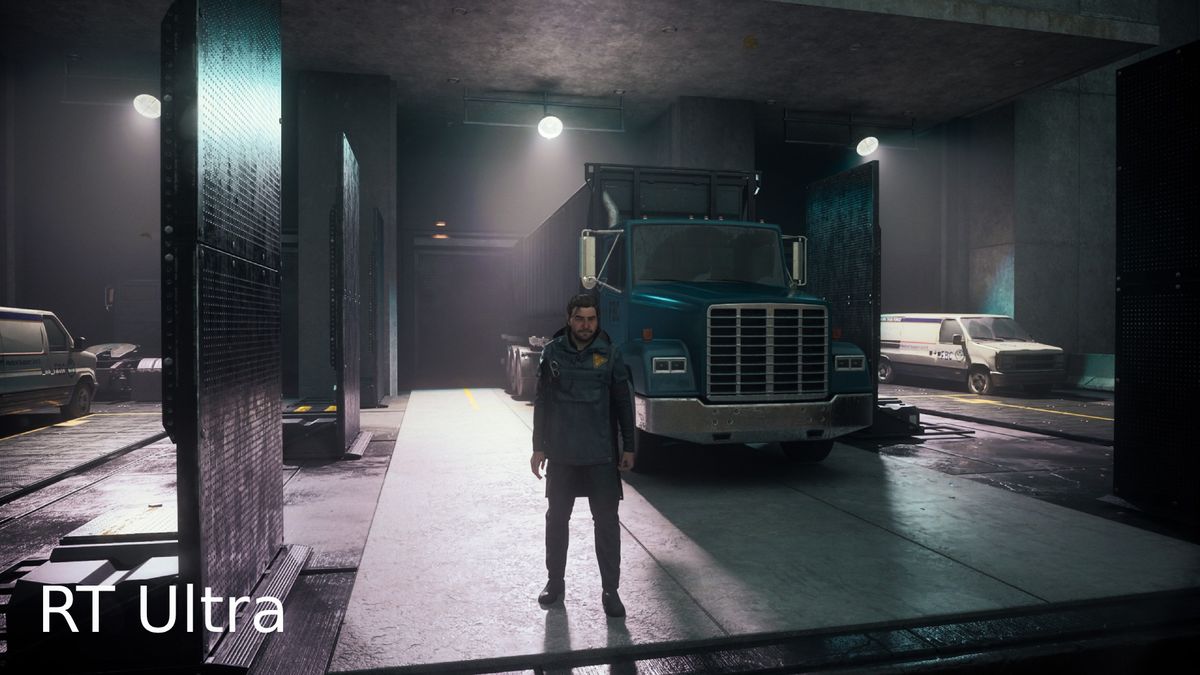
Ray tracing is, unsurprisingly, the single biggest performance tax in Control Resonant. The game utilizes ray-traced reflections, stark shadows, and glossy office block windows to ground its supernatural elements in reality, but these features demand heavy GPU resources.
- RT Off: 105 Avg FPS | 73 1% Low FPS
- RT Low: 84 Avg FPS | 60 1% Low FPS
- RT Medium: 76 Avg FPS | 54 1% Low FPS
- RT High: 71 Avg FPS | 50 1% Low FPS
- RT Ultra (Path Tracing): 62 Avg FPS | 44 1% Low FPS
The data clearly illustrates a massive cliff when enabling ray tracing for the first time, resulting in a 21-frame average loss between "Off" and "Low." However, stepping from "Medium" to "High" costs a mere five frames on average. It is the jump to "RT Ultra"—incorporating intensive path tracing—that deals the most severe blow to overall fluidity.
Standard Graphics Performance Impact (RT High Locked)
Once a stable ray tracing preference is established, tweaking the standard graphics settings yields a secondary layer of optimization. Testing these metrics with ray tracing fixed to "High" reveals how much performance remains trapped behind unnecessary ultra-level rendering tasks.

- Ultra: 71 Avg FPS | 50 1% Low FPS
- High: 80 Avg FPS | 57 1% Low FPS
- Medium: 81 Avg FPS | 60 1% Low FPS
- Low: 86 Avg FPS | 62 1% Low FPS
Noticeably, the difference between the "High" and "Medium" presets falls well within the margin of error, offering virtually identical frame rates. Only a 15-frame gap separates the absolute lowest settings from the highest standard configuration once ray tracing is factored in.
Official Responses and Developer Intentions
Remedy Entertainment has consistently emphasized scalability as a core pillar of its proprietary Northlight engine. Speaking on the technical ambitions behind their recent projects, the studio designed Control Resonant to be a showcase for next-generation lighting models, specifically leveraging hardware-accelerated ray tracing and path tracing to create reactive, immersive environments.
According to official system requirements published by Remedy, the barrier to entry is surprisingly forgiving. While an RTX-class card is recommended to fully experience the game’s advanced ray-traced features, the minimum required GPU is listed as an NVIDIA GeForce GTX 1070, targeting a stable 1080p at 30 frames per second on Low settings.
Developer commentary surrounding the title highlights the studio’s focus on art direction over raw polygon counts or pixel-peeping purity. Remedy’s engineering team deliberately engineered the game’s lighting and asset scaling to ensure that even when settings are reduced to their minimum values, the core atmosphere, environmental storytelling, and distinctive visual identity remain completely intact.
Implications for PC Gamers and Hardware Enthusiasts
The release and technical execution of Control Resonant carry several broader implications for the PC gaming ecosystem, particularly as path tracing and advanced ray tracing become standard expectations for AAA blockbusters.
1. The Myth of the "Ultra" Setting Trap
For years, PC gamers have suffered from "Ultra setting anxiety"—the psychological compulsion to crank every slider to its maximum position regardless of the hardware cost. Control Resonant provides a refreshing antidote to this mindset. Because the visual gains of Ultra ray tracing and maximum graphics presets are often imperceptible in the heat of fast-paced supernatural combat, players are encouraged to embrace "High" or even "Medium" configurations. This shift in perspective helps hardware last longer, runs systems cooler, and reduces unnecessary electricity consumption without compromising immersion.
2. Strong Optimization Saves Mid-Range Hardware
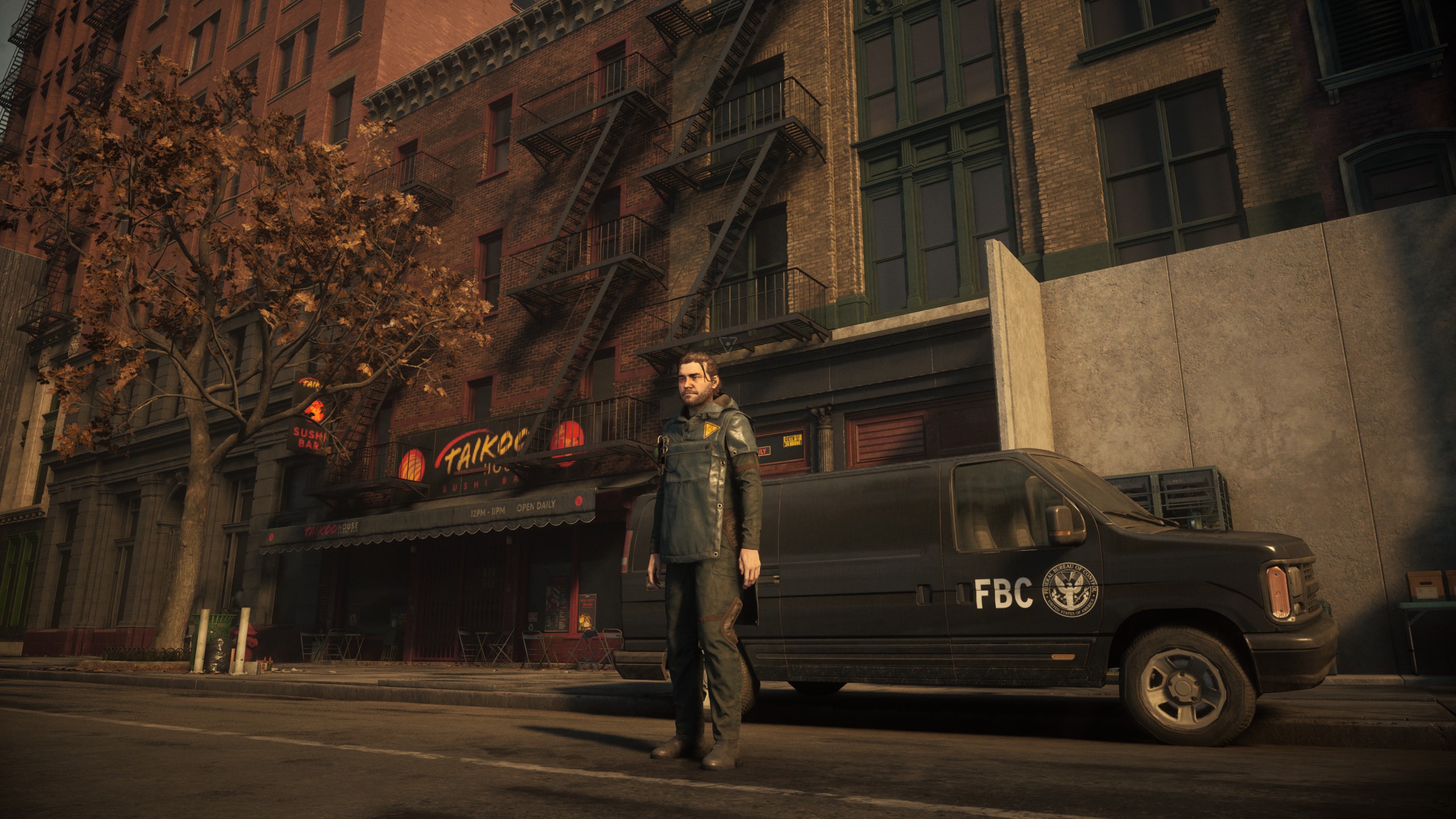
In an era plagued by poorly optimized ports that stutter on high-end hardware, Remedy’s Northlight engine continues to shine as a benchmark of technical competency. The ability to run Control Resonant smoothly at 1440p without relying on frame generation technologies speaks volumes about the developers’ dedication to optimization. It proves that modern hardware—even mid-tier cards like the RTX 5070 Ti—can effortlessly handle complex physics and reactive environments when scalability is treated as a priority rather than an afterthought.
3. Art Style Trumps Pure Pixel Density
Perhaps the most significant takeaway for budget-conscious gamers is that Control Resonant proves artistic direction matters more than brute-force rendering. Even at 1080p Low settings with ray tracing disabled, the game retains a striking level of detail. Environmental storytelling, brilliant lighting art direction, and reactive physics carry the visual weight of the experience.
Ultimately, players do not need a $3,000 rig to enjoy Control Resonant. By identifying the performance sweet spots—such as setting both ray tracing and standard graphics to High, pairing them with an intelligent upscaler like DLSS or FSR set to Quality—gamers can achieve a gorgeous, stutter-free experience. Leave the pixel hunting to the benchmarks; Control Resonant is a game meant to be played in motion, where its haunting atmosphere and dynamic action take center stage.

