

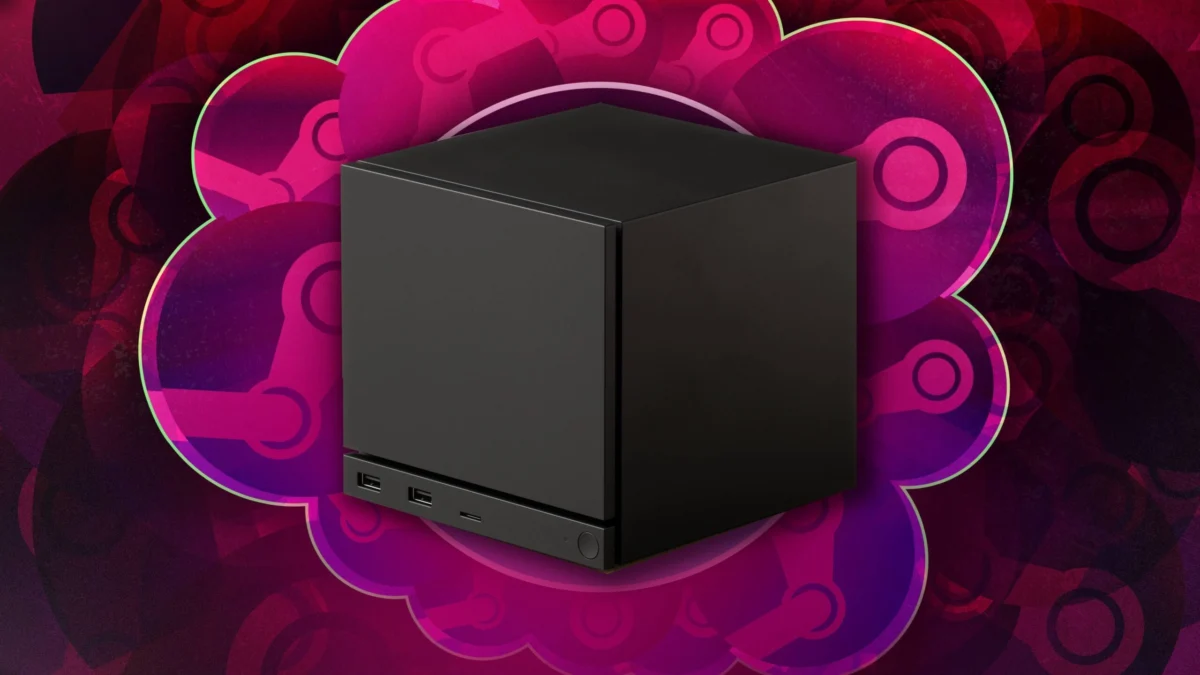
The landscape of home entertainment is shifting once more. With the official launch of the Steam Machine, Valve is making its most ambitious play yet to bring the sprawling, often intimidating world of PC gaming into the comfort of the living room. Designed not for the enthusiast who spends their weekends obsessing over thermal pastes and custom liquid cooling loops, the Steam Machine is a bridge—a compact, plug-and-play vessel for those who have long coveted the PC library but feared the technical overhead.
As we navigate this new hardware era, many questions have surfaced. Is it a console? Is it a PC? And why, in a world of budget-friendly electronics, does the price tag feel so steep? This guide serves as your comprehensive, judgment-free crash course into the Steam Machine ecosystem.
The Core Concept: Bridging the Divide
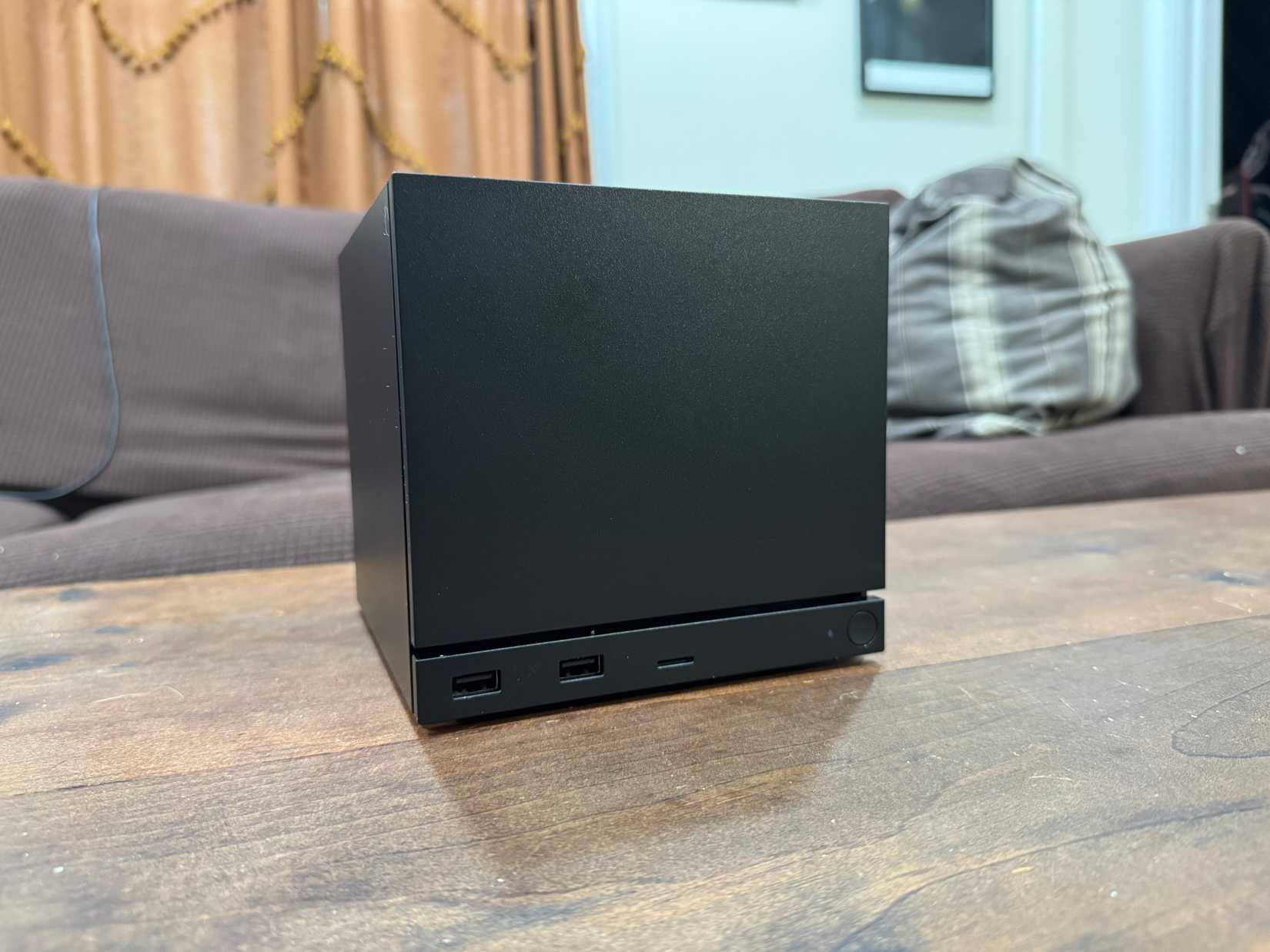
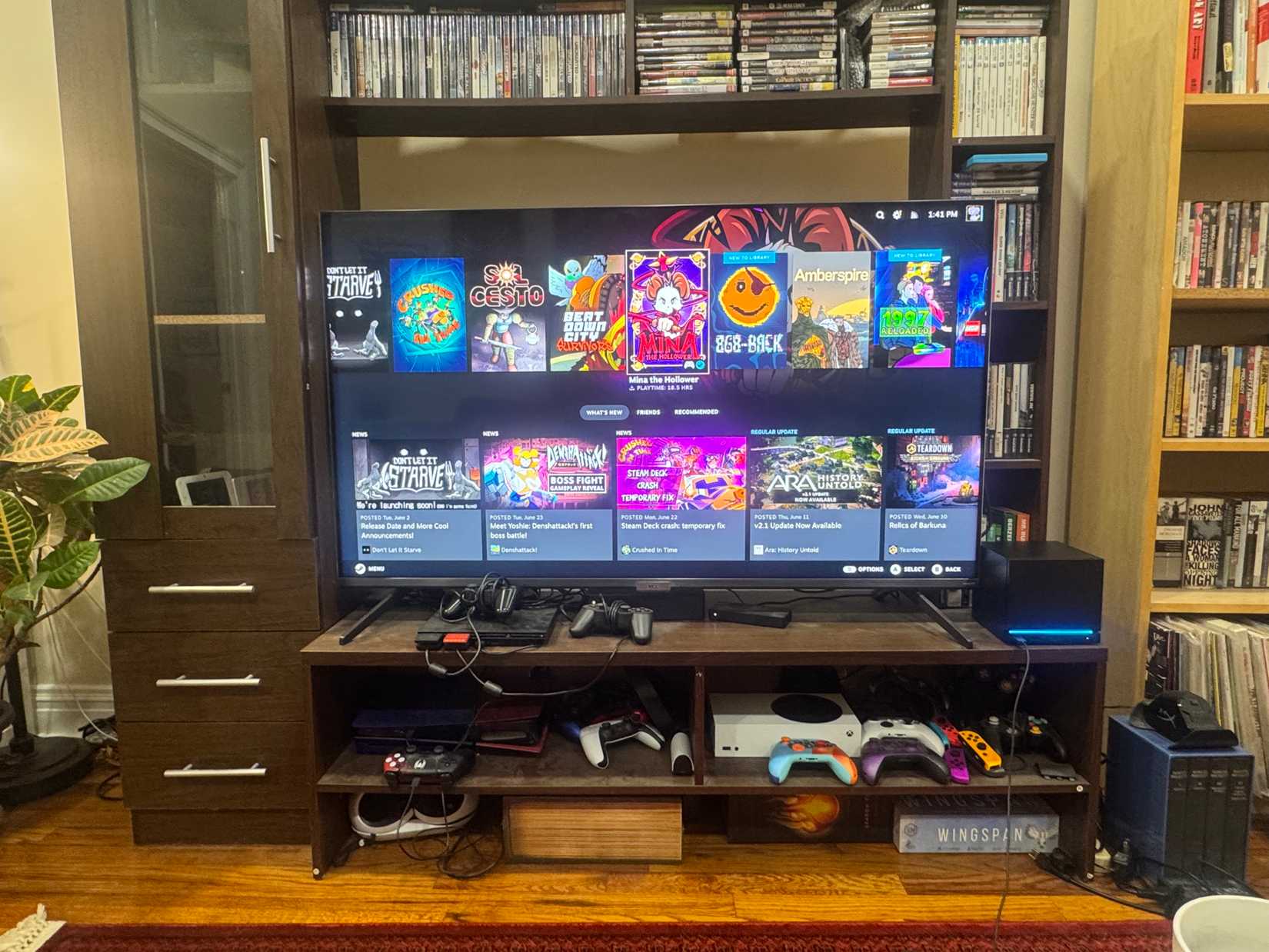
At its heart, the Steam Machine is a high-performance PC engineered into a small form-factor chassis. Unlike a standard desktop that requires a mouse, keyboard, and a deep understanding of driver updates, the Steam Machine runs on SteamOS. This Linux-based interface is designed to mimic the streamlined, "console-like" experience of an Xbox Series X or a Nintendo Switch.
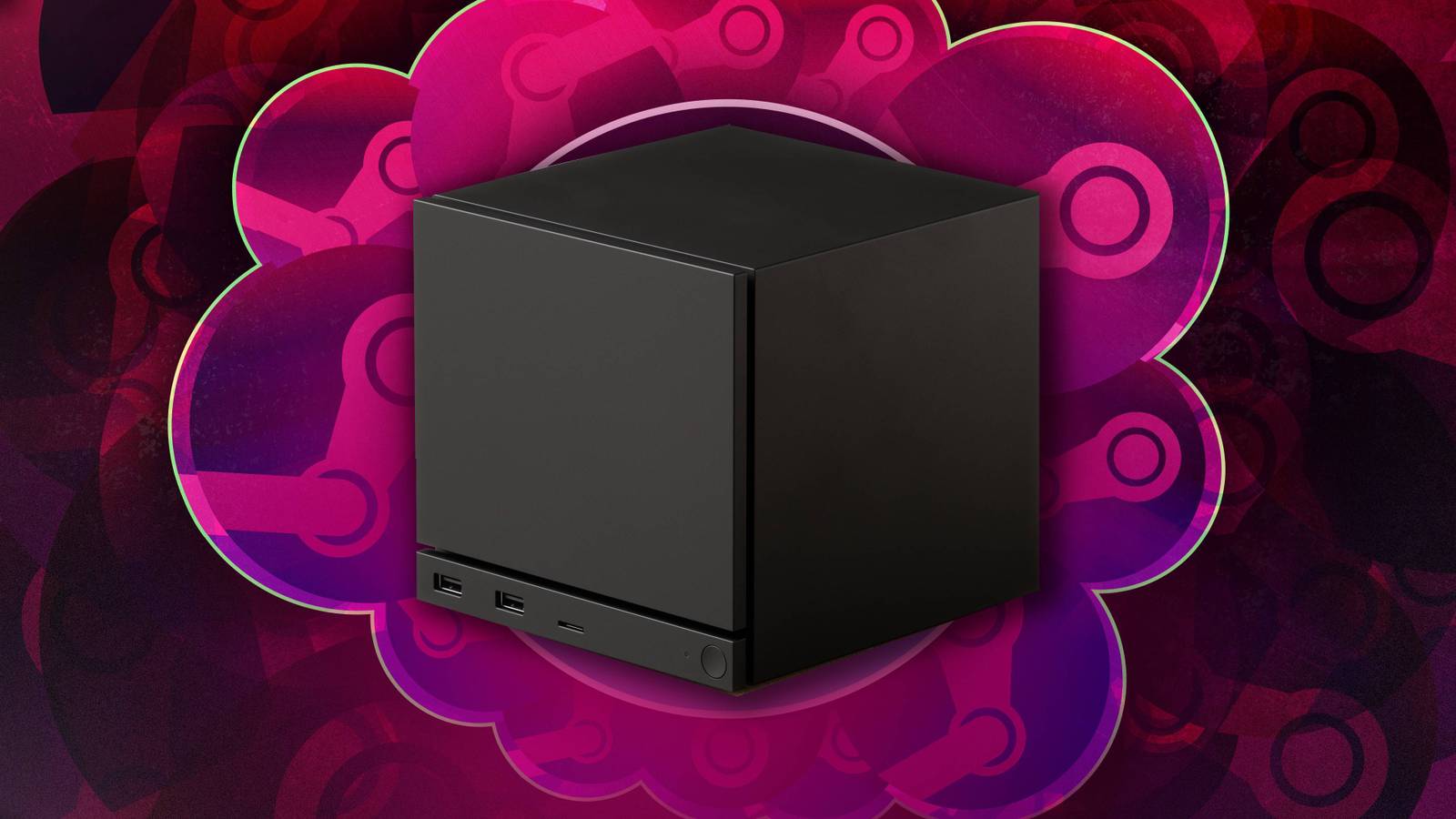
The genius—and the challenge—of the system lies in its duality. It offers the curated ease of a console, where you can launch a game with a single button press, while retaining the underlying freedom of a full-fledged computer. For those moving from a console environment, this means no more navigating complex file paths or worrying about registry errors; the hardware does the heavy lifting, keeping the focus entirely on the game.
Chronology of the Launch
The path to the Steam Machine was not a straight line. Valve’s interest in the living room dates back over a decade, with early experiments in hardware that faced significant market resistance. However, the 2026 launch represents a culmination of years of software refinement, particularly the advancements made during the development of the Steam Deck.
- 2013–2015: Valve’s initial "Steam Machines" initiative is announced. Despite high expectations, the project struggled with fragmented hardware support and a lack of optimized software, leading to a quiet stagnation.
- 2022–2025: The immense success of the Steam Deck proves that Valve’s Linux-based ecosystem (SteamOS) is capable of handling complex AAA titles with minimal user intervention.
- Q1 2026: Valve announces the formal successor to its living room ambitions, focusing on a unified, high-performance hardware standard.
- June 23, 2026: The Steam Machine hits the consumer market, accompanied by a new generation of the Steam Controller and a refreshed, user-friendly interface.
Understanding Compatibility: The "Blue Icon" Rule
One of the most frequent questions from prospective owners involves the massive catalog of Steam titles. Can you play everything? The answer is a nuanced "yes, but."

Valve has implemented a verification system. When browsing your library, you will encounter status indicators:
- Blue Icon (Verified): The game is fully compatible with SteamOS and works seamlessly with standard controllers.
- Question Mark: The game is untested. While many of these will run perfectly, they may require minor tweaks.
- Circle with a Diagonal Line (Unsupported): The game is incompatible, most often due to anti-cheat software that does not support the Linux architecture of SteamOS.
It is vital to remember that the Steam Machine is not a universal optimizer. While it can run demanding modern titles like Crimson Desert, it lacks the bespoke, per-game optimization found on a closed console system. Players should treat it like a high-end laptop that happens to live under their TV.
Supporting Data: Why is the Price So High?
Many consumers have expressed sticker shock regarding the Steam Machine’s price point. While inflation and supply chain issues are often cited, the primary culprit in 2026 is the global RAM crisis.
The rise of generative AI has created an insatiable hunger for high-bandwidth memory. As large-scale AI models require massive, lightning-fast data processing, tech giants have cornered the market on memory chips, leading to a worldwide shortage. Consequently, the cost of components like LPDDR5 and GDDR6 has surged, forcing manufacturers to pass these costs onto the consumer. The Steam Machine, which requires significant memory to run modern games smoothly, is a direct victim of this industry-wide squeeze.
Official Responses and Developer Stance
Valve has been transparent about the device’s limitations, framing it as a "PC-first" device. In recent communications, Valve representatives emphasized that the machine is intended to grow alongside the user.
"We are building a platform that respects the user’s intelligence," a Valve spokesperson stated. "If you want to treat it like a console, you can. If you want to dive into the desktop mode, install third-party launchers, or customize your Linux kernel, the door is open."
Regarding the difficulty of installing third-party stores like Epic Games, Valve noted that while they do not provide "one-click" support for competing launchers, they have left the system open for third-party community tools. They acknowledge that this "fiddly" nature is part of the trade-off for not being a locked-down console.
The Desktop Experience: Beyond Gaming
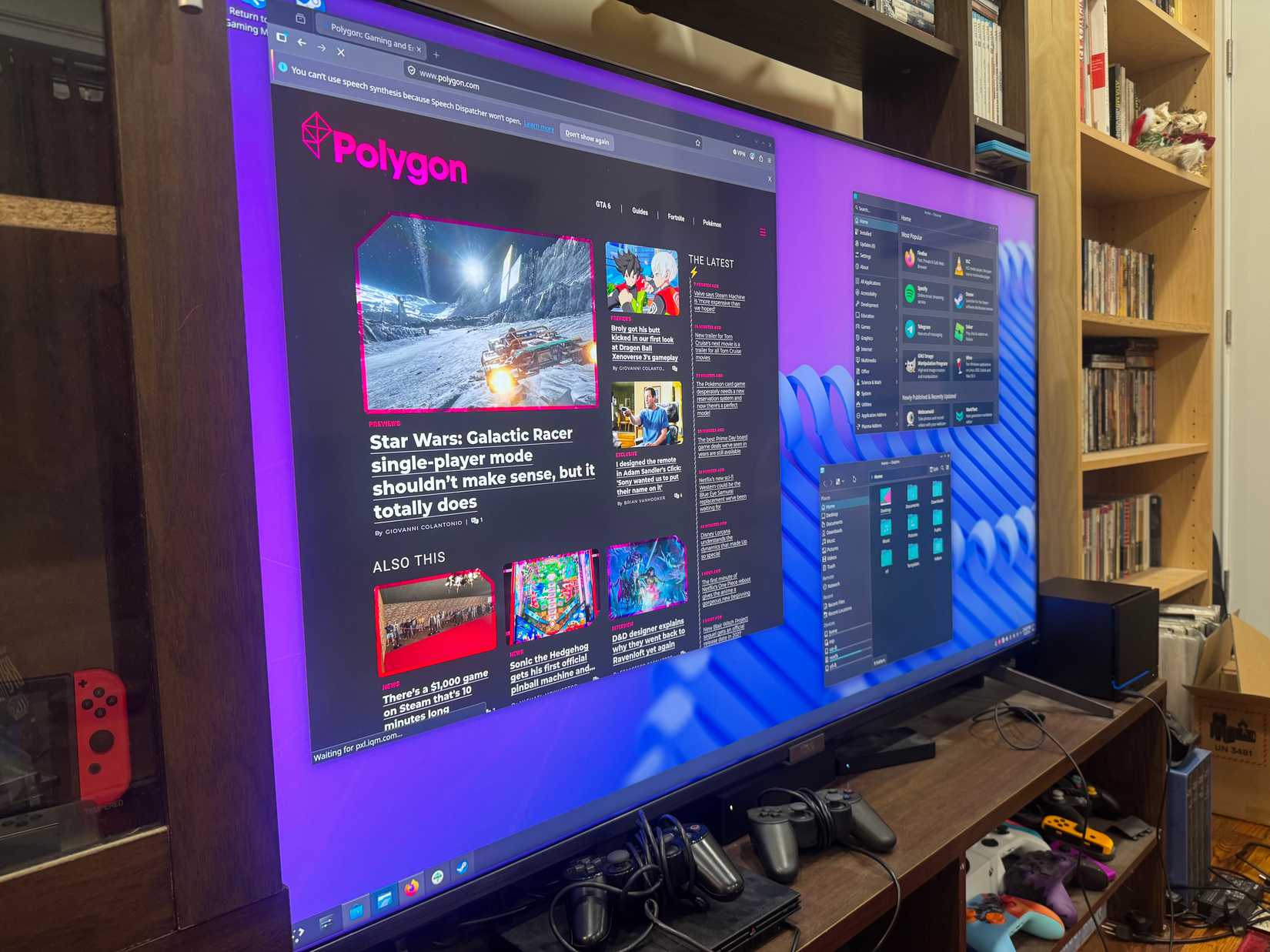
For users interested in using the Steam Machine as a daily driver, the device offers a full Linux desktop environment. This mode is a stark departure from the console interface.
- Keyboard and Mouse: While the Steam Controller is the primary input device, the machine supports standard USB and Bluetooth peripherals.
- Multitasking: You can use the device to browse the web, send emails, or even manage files. However, users should be prepared for the learning curve associated with the Linux operating system.
- Streaming Apps: Netflix, Hulu, and other services function, but they are accessed via a web browser rather than dedicated, optimized apps. This can result in a less refined experience than a Roku or an Apple TV.
Implications for the Future of Gaming
The Steam Machine represents a bold ideological stand against the "walled garden" approach of traditional console manufacturers. By refusing to charge for online play, and by allowing users to keep their entire PC library, Valve is betting that consumers will value freedom over total simplicity.
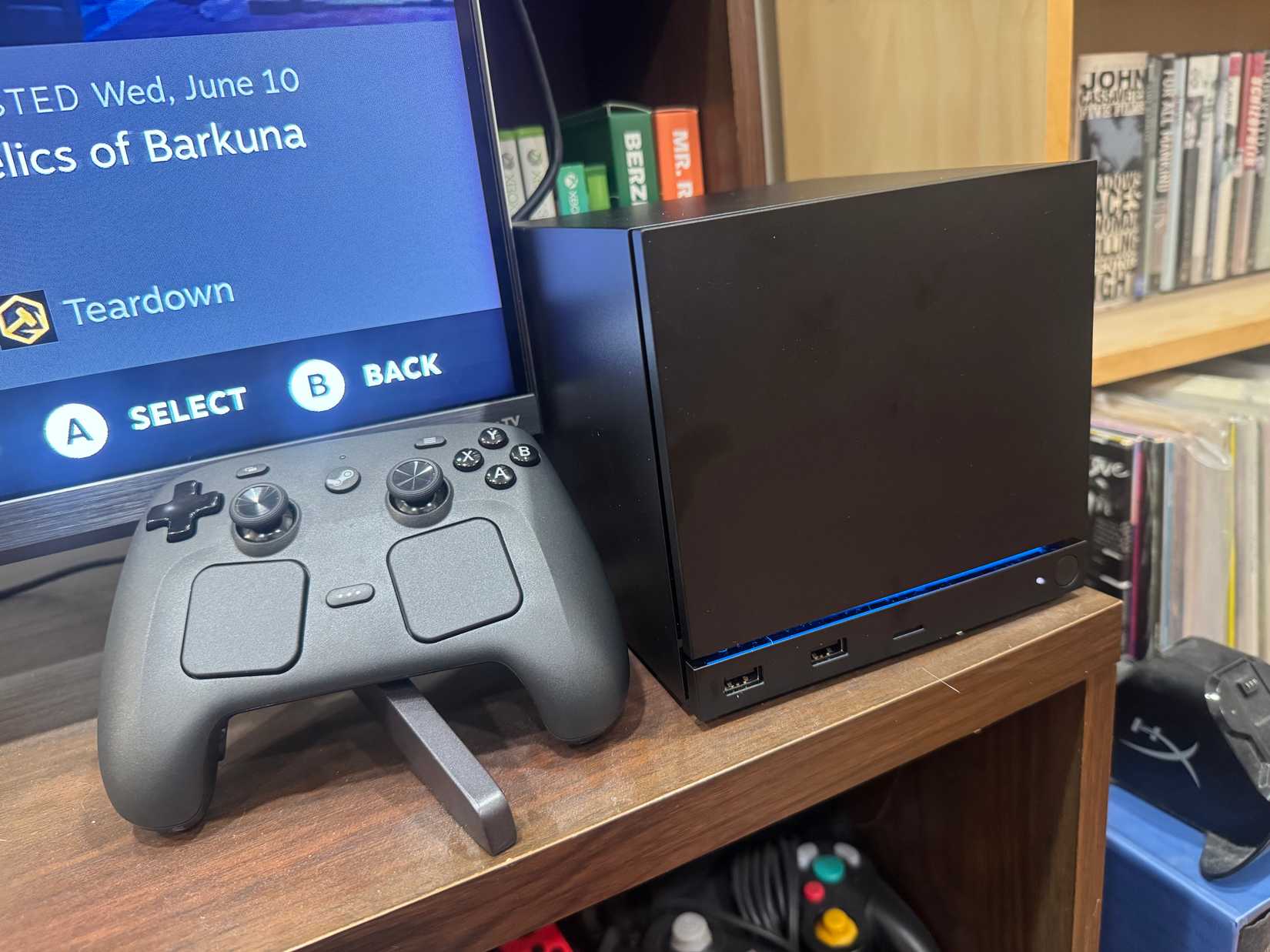
However, the implications for the market are significant. If the Steam Machine succeeds, it could force a shift in how console makers approach their own hardware, potentially pushing them toward more open systems. Conversely, if the technical hurdles (like anti-cheat compatibility) remain, it may remain a niche product for the "console-curious" PC gamer.
Final Thoughts: Should You Buy In?
The Steam Machine is a perfect fit for you if:
- You have a large Steam library and want to play it on a big screen.
- You are tired of paying for monthly online subscription services.
- You appreciate the idea of a PC but find the maintenance of a traditional desktop daunting.
It is likely not for you if:
- You demand a "guaranteed" experience for every single game you buy.
- You primarily play competitive shooters that rely on aggressive, kernel-level anti-cheat.
- You are looking for a media center device that is as simple to use as a smart TV.
As we continue our rigorous testing of the Steam Machine, we will be updating this guide to reflect new findings. If you have specific questions about performance, compatibility, or hardware configurations, drop them in the comments below—we are listening, and we are working to ensure your transition into the world of Steam is as smooth as possible.

